Docs / Sales & Support Actions
List customer orders and Customer profile & total spend
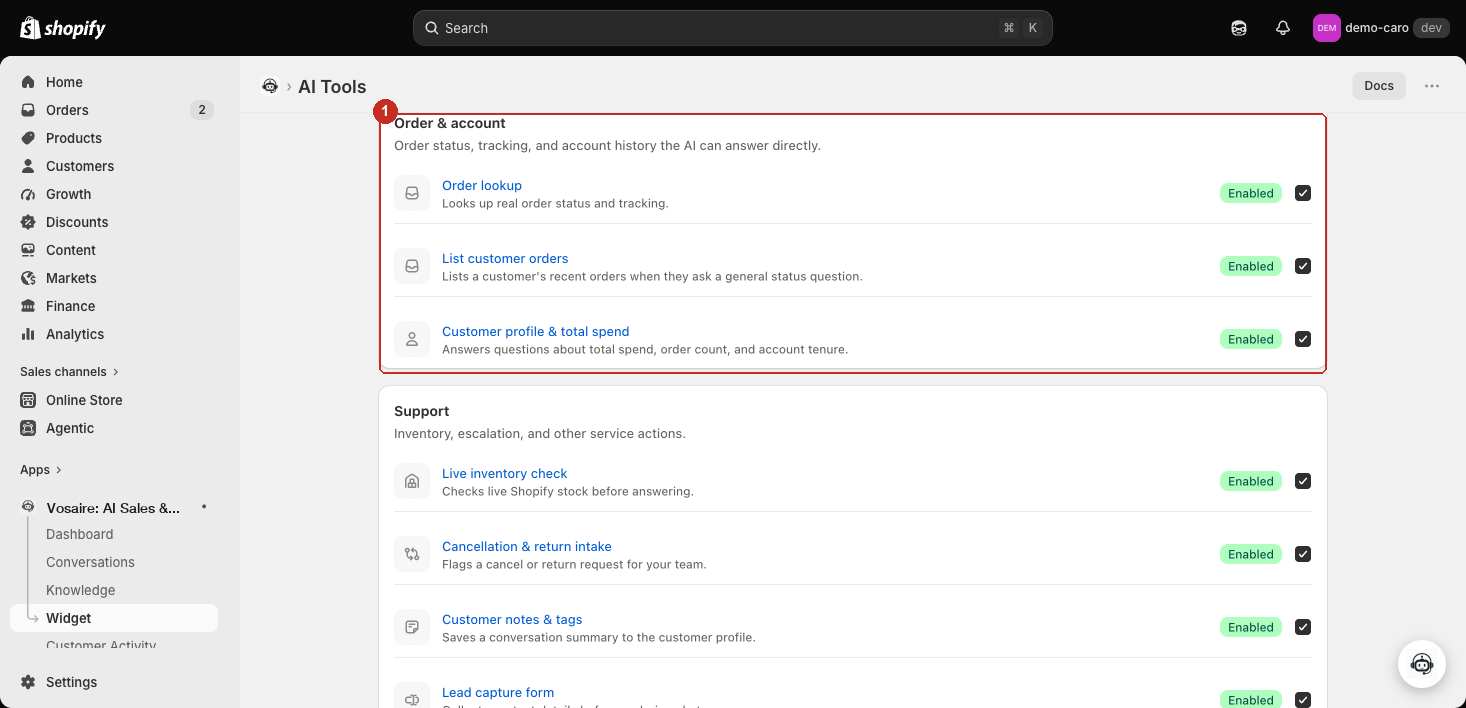
Go to Apps → Vosaire: AI Chatbot & Sales → Widget → AI Tools. These two live in their own Order & account section, above Support — both available on every plan, off by default.
List customer orders
Fires when: a customer asks a general "what's my order status" question without naming an order number — especially if they're already logged in.
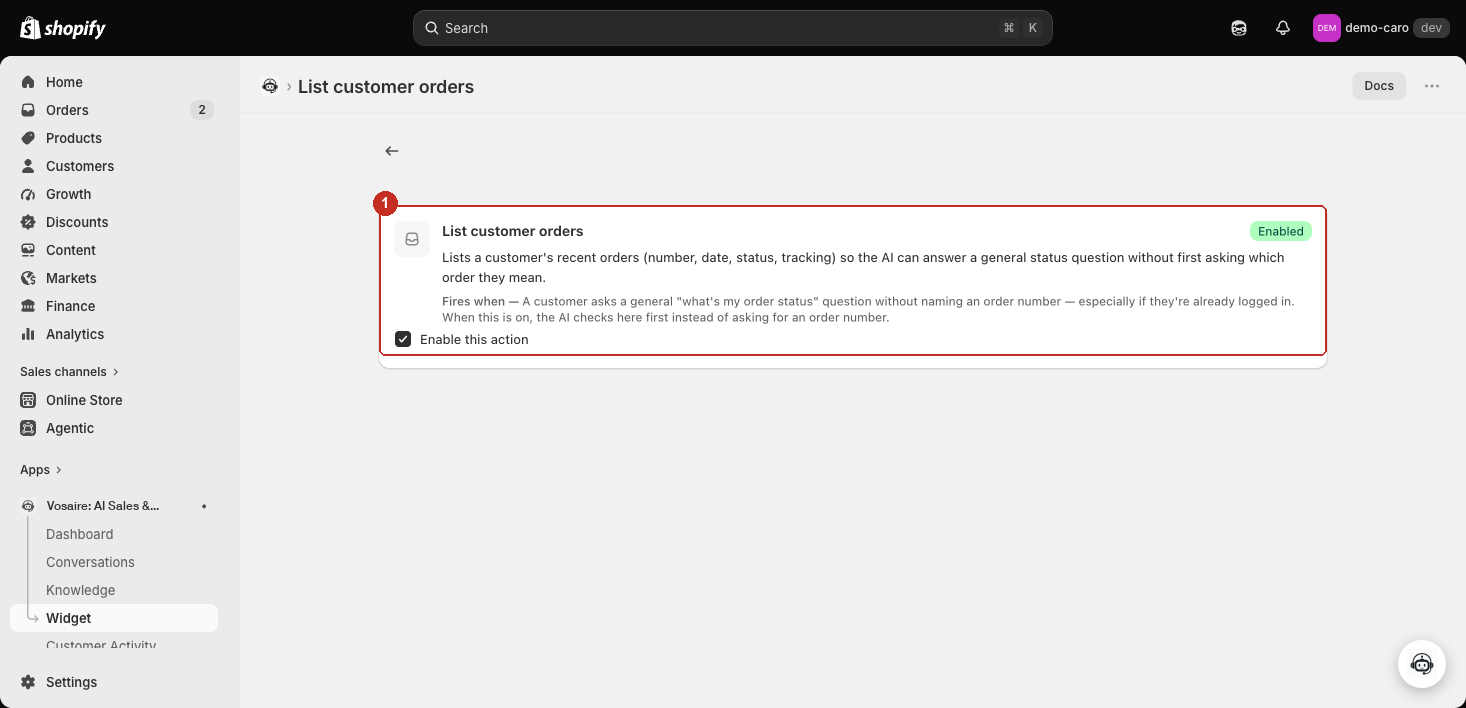
Lists a customer's recent orders (number, date, status, tracking) so Vosaire can answer without first asking which order they mean. With this off, Order lookup falls back to asking for a specific order number instead.
Customer profile & total spend
Fires when: a customer asks about their total spend, order count, or how long they've been a customer.
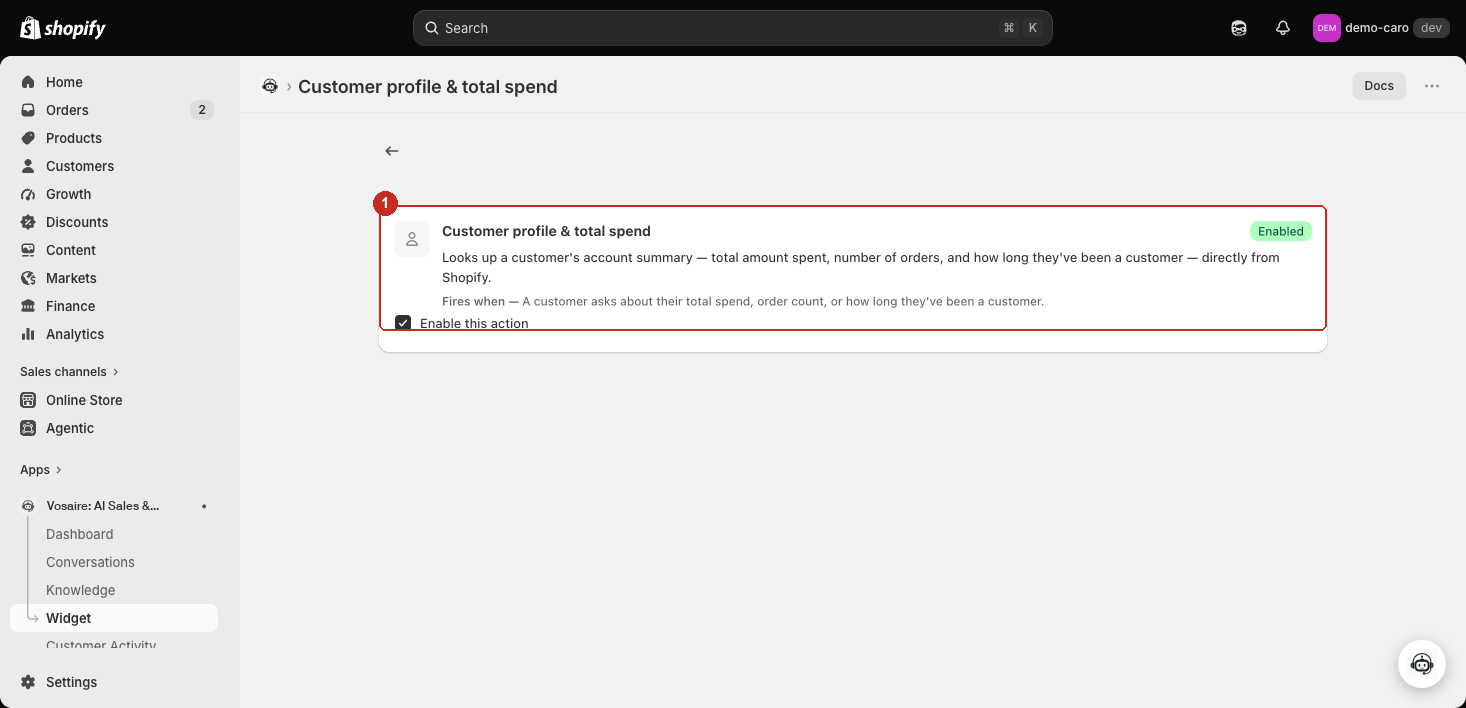
Looks up a customer's account summary — total amount spent, number of orders, and account tenure — directly from Shopify. This is a live Shopify lookup, not a Growth-plan metafield surfaced to the AI — see Customer profile fields for that separate, Pro-plan feature.
How the three "order" tools relate
- Order lookup — a specific, named order.
- List customer orders — a general status question, answered by listing recent orders instead of asking for one.
- Customer profile & total spend — account-level facts (spend, order count, tenure), not order details at all.
All three can be enabled together — turning "List customer orders" on doesn't disable Order lookup's ability to handle a specific order number directly.