Docs / Sales & Support Actions
Order lookup and live inventory check
Go to Apps → Vosaire: AI Chatbot & Sales → Widget → AI Tools → Support. These two actions both replace a guess with a live Shopify lookup.
Order lookup — available on every plan
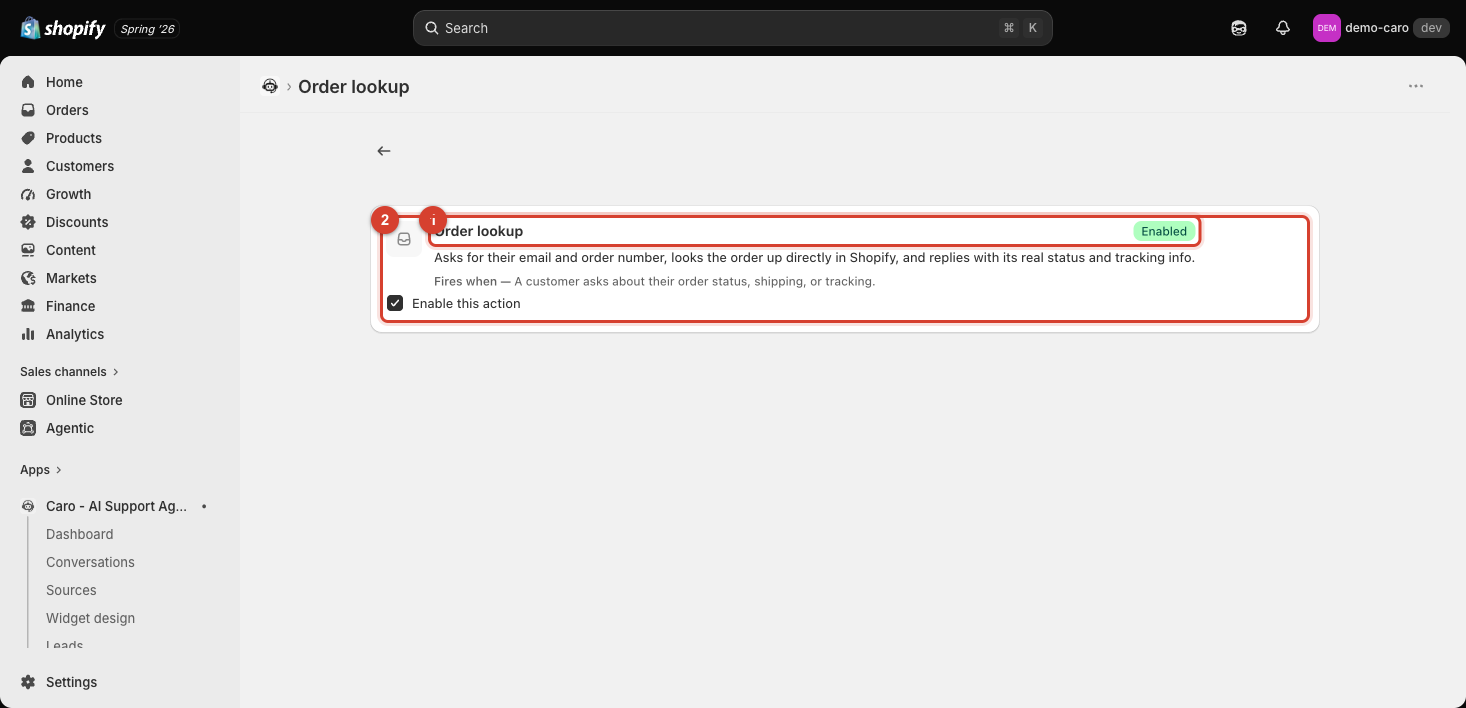
Fires when: a customer asks about their order status, shipping, or tracking.
Vosaire asks for the customer's email and order number, looks the order up directly in Shopify, and replies with its real status and tracking info — no need for the customer to leave the chat to check. This is on by default and is the same lookup used by the Order tracking widget tab and the "Track my order" Home screen quick action.
Live inventory check — requires the Growth plan
Checks live Shopify stock before answering. Without this, Vosaire answers stock questions based on whatever was true when a product source last synced (see How Vosaire trains on your store data automatically) — usually accurate, but not guaranteed to be second-by-second current. With this enabled, a stock question triggers a real-time check against Shopify before Vosaire replies, which matters most for fast-moving or limited-quantity items.
Which one should you enable?
Order lookup has no downside and is on by default for good reason — always keep it enabled. Live inventory check is worth the Growth plan upgrade specifically if you sell items that sell out quickly or in small batches, where a stale stock answer could cost you a sale or upset a customer.