
Your agent's answers are only as good as the knowledge you give it. Sources are that knowledge — documents, web pages, FAQs, spreadsheets, and integrations that you add to an agent's knowledge base.
How indexing works
When you add a source, Vosaire reads the content and breaks it into chunks — small, semantically meaningful pieces of text. Each chunk is stored in a way that lets the agent quickly find the most relevant ones when answering a question.
When a user asks a question, the agent:
- Finds the most relevant chunks from your indexed sources
- Reads those chunks
- Writes an answer based on what it found
The agent doesn't memorize your content word for word. It uses the indexed content as reference material, similar to how a person reads a document before answering a question.
Source types
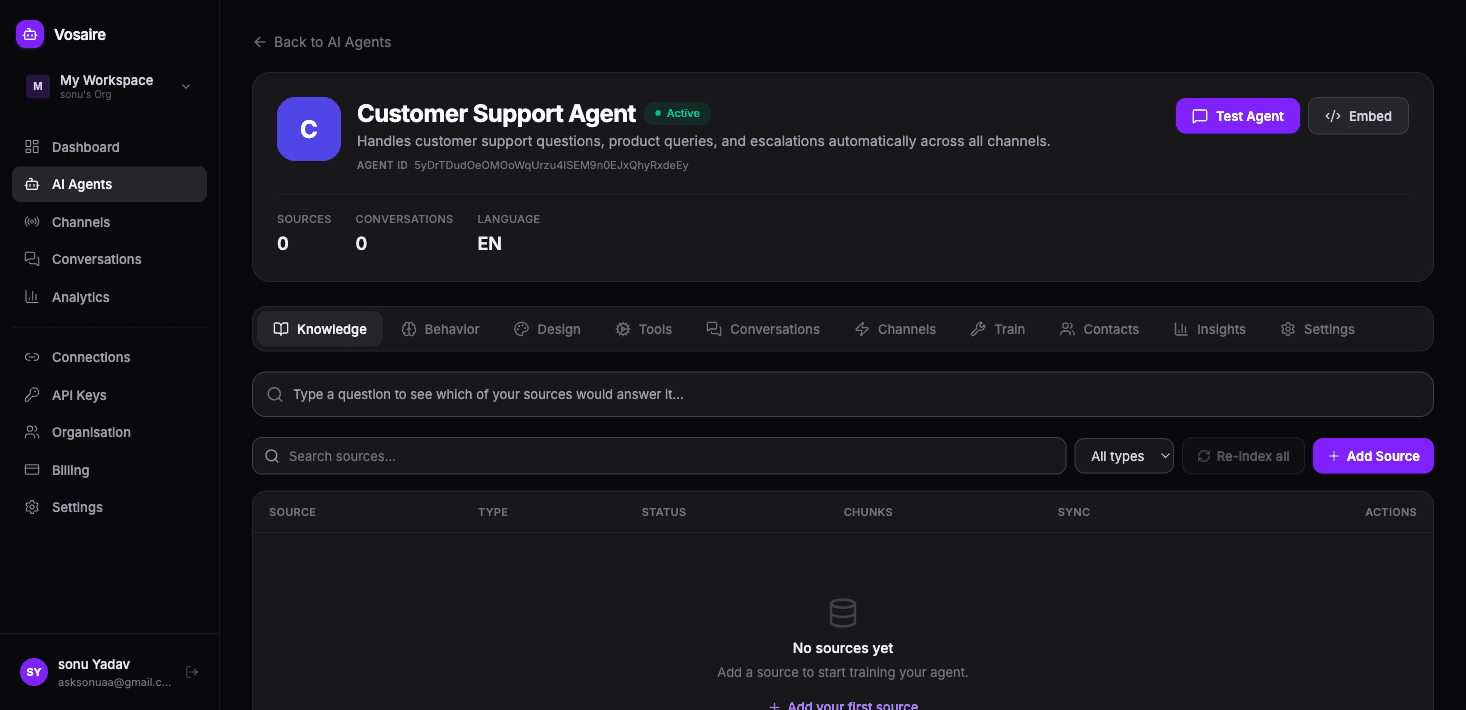
Vosaire supports a wide range of source types:
General
- Website URL — scrapes and indexes a single web page
- Sitemap — crawls all pages listed in a sitemap.xml file (the fastest way to index an entire website)
- URL List — add multiple URLs at once, one per line
- Document — upload a PDF, DOCX, or TXT file (up to 20MB)
- FAQ — add question and answer pairs manually
- Text Block — paste any raw text directly
- CSV / Spreadsheet — upload tabular data and map columns
- JSON / API — fetch from a REST endpoint on a schedule
Integrations
- Google Drive
- Notion
- GitHub (markdown files from a repository)
- Confluence
- Zendesk Help Centre
- Freshdesk
- And more coming
Source status
Each source shows one of four statuses:
| Status | What it means |
|---|---|
| Pending | Queued for processing |
| Processing | Being read and indexed right now |
| Indexed | Active and being used by the agent |
| Error | Something went wrong — check the URL or file |
The agent only uses sources with "Indexed" status. A source that errored won't contribute to any answers.
How many sources should I add?
Start with the content that covers your most common questions. Usually that means:
- Your main website pages (product, pricing, FAQ)
- Any documentation or help articles
- Your most important policies (returns, billing, support SLA)
More sources generally means better coverage, but quality matters more than quantity. A well-written FAQ entry will outperform a large, poorly-organized PDF every time.
Sync and freshness
Some source types support automatic syncing — Sitemap, RSS, and integration sources can be configured to re-index on a schedule (hourly, daily, weekly). For static content like PDFs and text blocks, you'll need to re-add them manually if the content changes.
To force a re-index of everything, use the Re-index all button on the Knowledge tab.