
Web pages are the most common source type. Here's how to add them.
Adding a single page
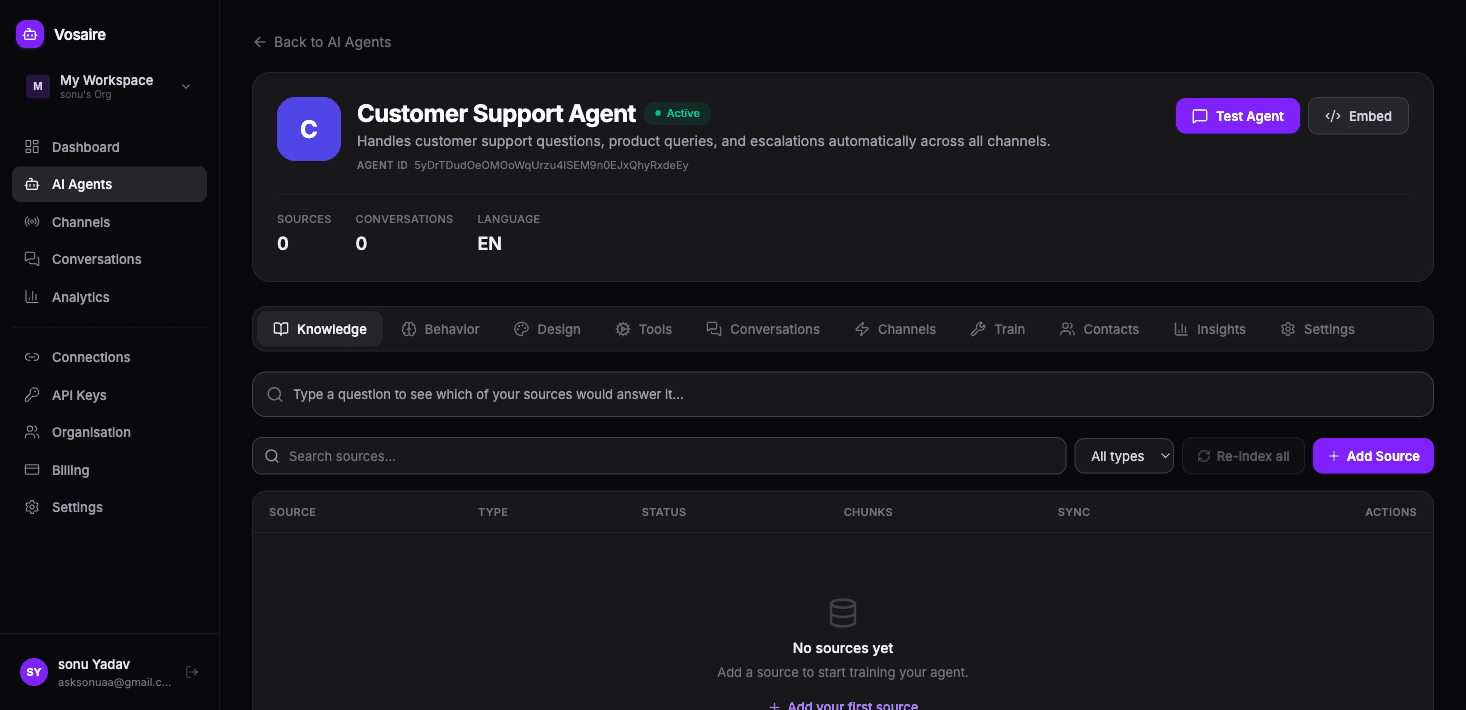
Go to your agent → Knowledge tab → Add Source.
Select Website URL from the source picker.
Paste the URL you want to index and click Fetch. Vosaire will load a preview showing:
- The page title
- Estimated word count
- Number of chunks it will create
- A snippet of the text it found
Review the preview, then click Add Source to confirm. The source will switch to "Processing" and then "Indexed" within a minute or two.
What works well:
- Help center articles
- Product pages
- FAQ pages
- Policy pages (returns, shipping, privacy)
- About and contact pages
What doesn't work well:
- Pages that require login
- Pages that load content via JavaScript after the initial page load (dynamic SPAs may not index fully)
- PDFs embedded on a page — add those as Document sources instead
Adding a sitemap
A sitemap is the fastest way to index an entire website at once. If your site has a sitemap (usually at /sitemap.xml), use this instead of adding pages one by one.
Select Sitemap from the source picker. Paste in the sitemap URL — e.g. https://yoursite.com/sitemap.xml.
Vosaire will crawl every URL listed in the sitemap and index them all. This can take a few minutes if the sitemap is large.
Sync frequency — you can set the sitemap to re-crawl automatically on a schedule. If your site's content changes regularly, set it to daily or weekly so the agent always has fresh information.
Adding multiple URLs
If you have a specific list of pages (not a sitemap), use URL List. Paste one URL per line, up to 100 URLs at a time.
This is useful when you want to index a curated set of pages rather than the whole site.
Tips
- If a page says "Indexed" but the agent still can't answer questions about it, check whether the content is actually text on the page or if it's in a video, image, or behind a login wall.
- For help centers (Intercom Articles, Zendesk, Help Scout), there are dedicated integration sources that work better than scraping the pages directly.
- You can add the same page multiple times — each one creates a separate source entry. Duplicates don't cause problems but they're unnecessary.