From zero to live AI support
in under 10 minutes
No developer. No training data. No annual contract. Connect your existing content, configure how the AI agent sounds, and embed it on your site — all from a single dashboard.
Four steps, ten minutes
Each step takes 2–3 minutes. Together they give you a fully configured AI agent running on your site.
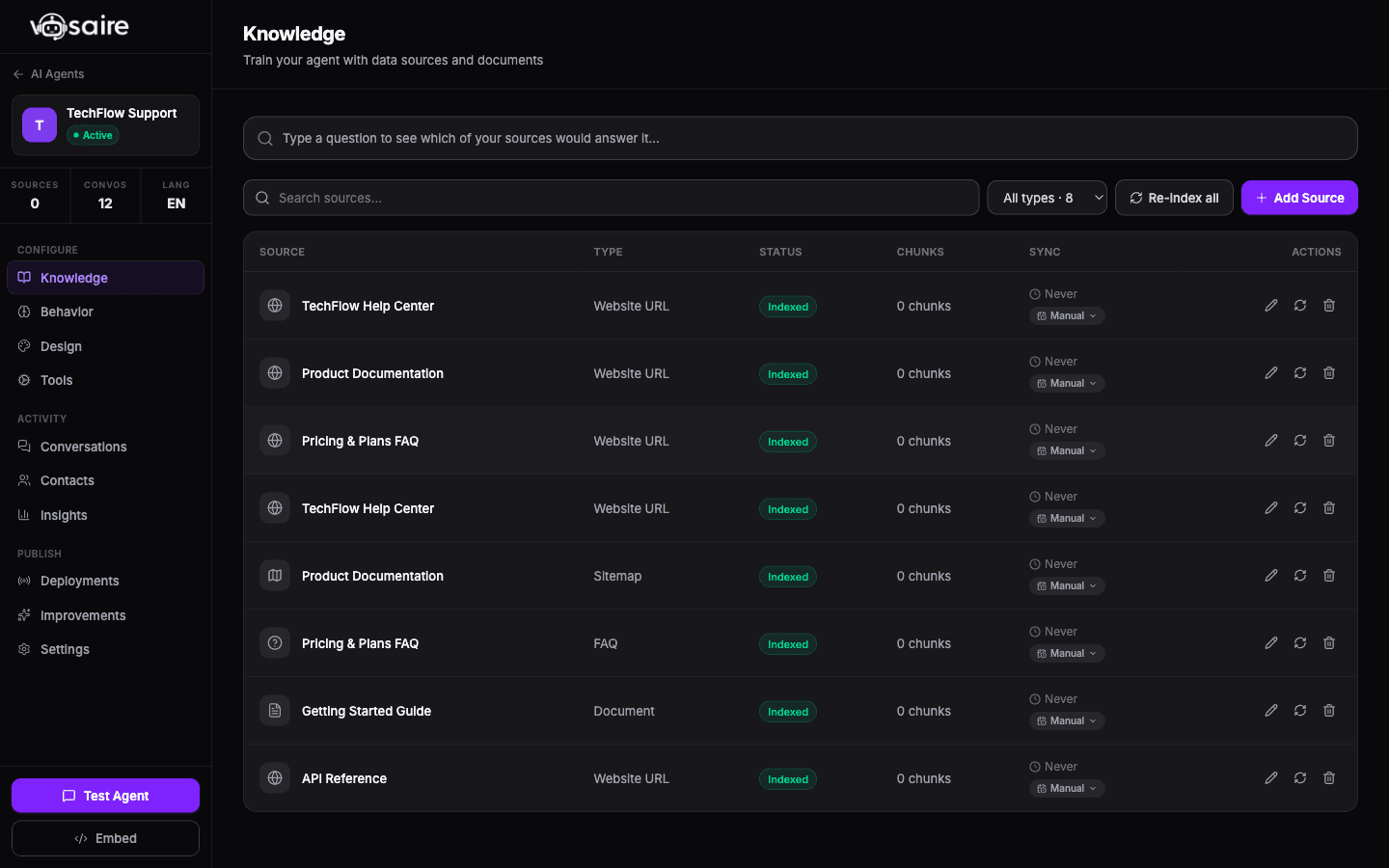
Your knowledge base is already built — just point to it
Paste any URL, upload a PDF, link your Notion workspace, or drop a YouTube video. Vosaire crawls, indexes, and embeds your content automatically. No copy-paste. No manual data entry. If it lives on a page, Vosaire can learn from it.
- Website crawler — any public URL, including nested pages
- PDFs, Word docs, Google Docs, and Markdown files
- Notion workspaces and Google Drive folders
- YouTube video transcripts
- Help Scout and Freshdesk ticket history
- Automatic re-sync keeps content current
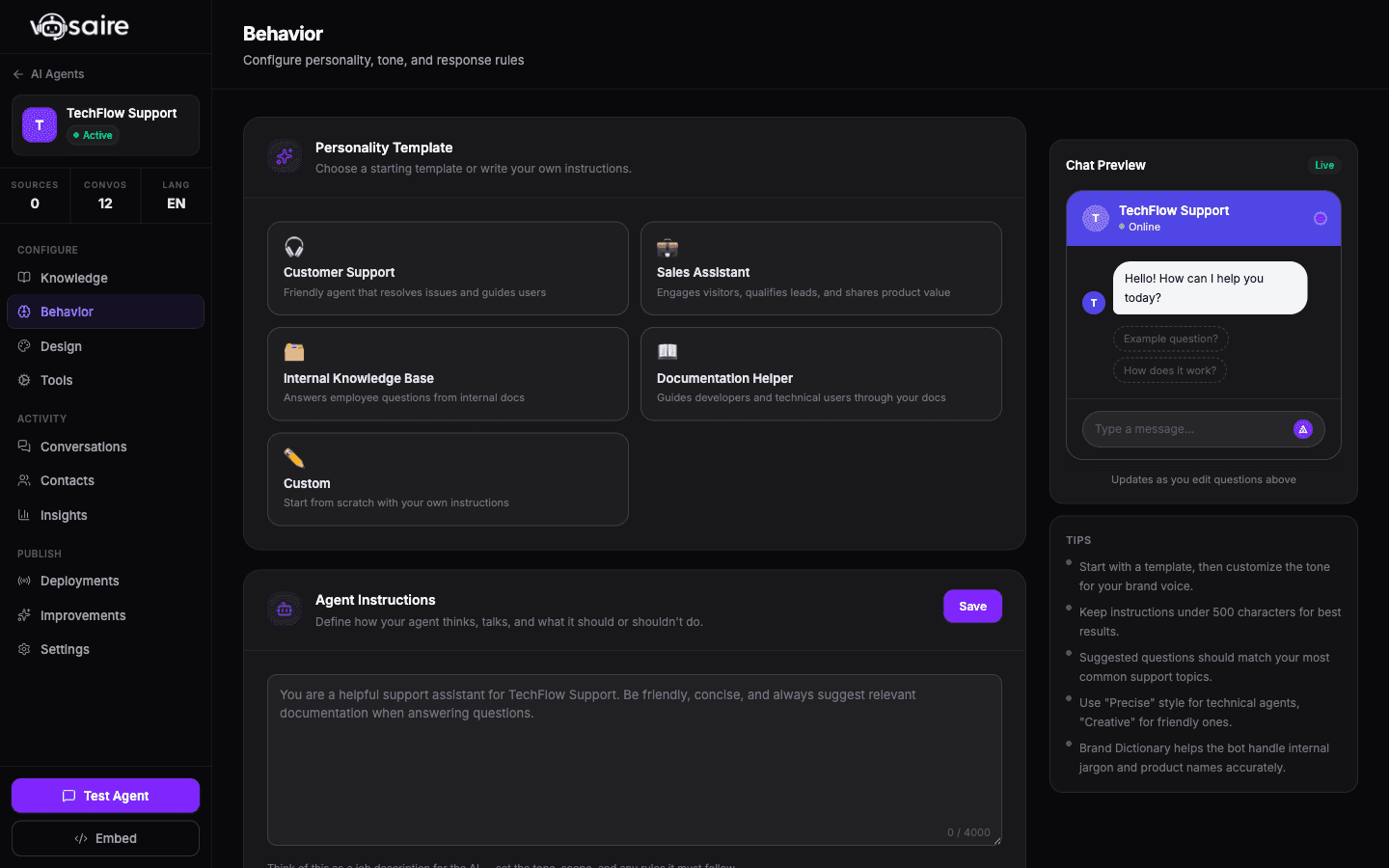
Set the tone, define what it can do
Tell Vosaire who it is, how it should sound, and what actions it can take. Set a custom persona and build no-code API tools that let it pull live data mid-conversation — order status, account info, anything.
- Custom AI agent name, avatar, and personality prompt
- No-code API tool builder — connect any REST endpoint
- Brand dictionary for consistent language and tone
- Rate limiting, spam protection, and private-mode access control
- Escalation rules — hand off to human when confidence is low
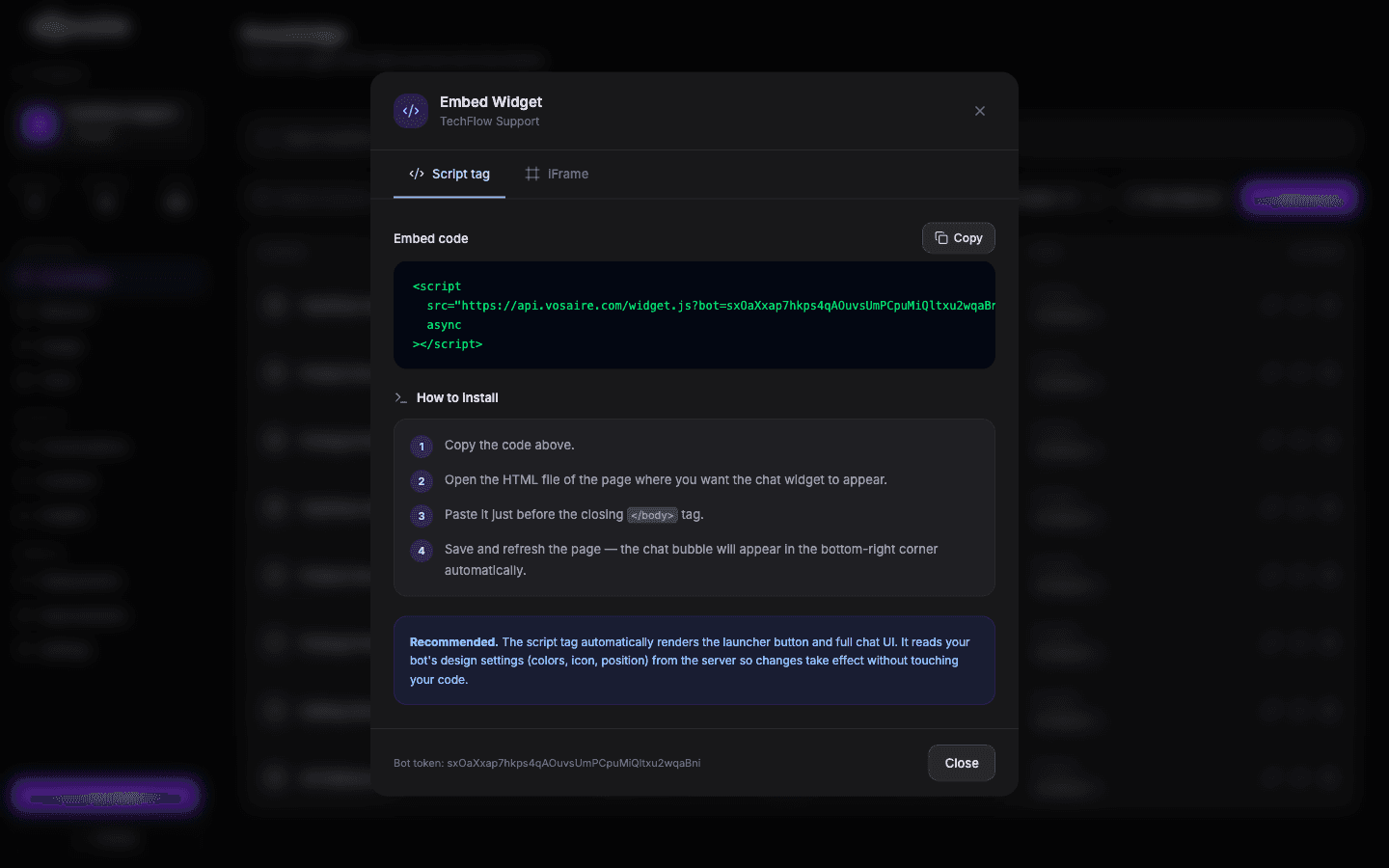
One script tag. Any website. No developer needed
Copy one line of code and paste it into your site's HTML. Works on any platform — Shopify, WordPress, Webflow, custom React apps, anything. The chat widget loads instantly, fully branded, and ready to answer questions.
- Copy-paste script tag — works on any HTML page
- Native Shopify and WordPress plugin (one-click install)
- Fully customizable widget — colors, position, launcher icon
- Mobile-responsive out of the box
- API access for headless and custom integrations
- White-label option removes all Vosaire branding
See what's working. Fix what isn't. In minutes, not weeks
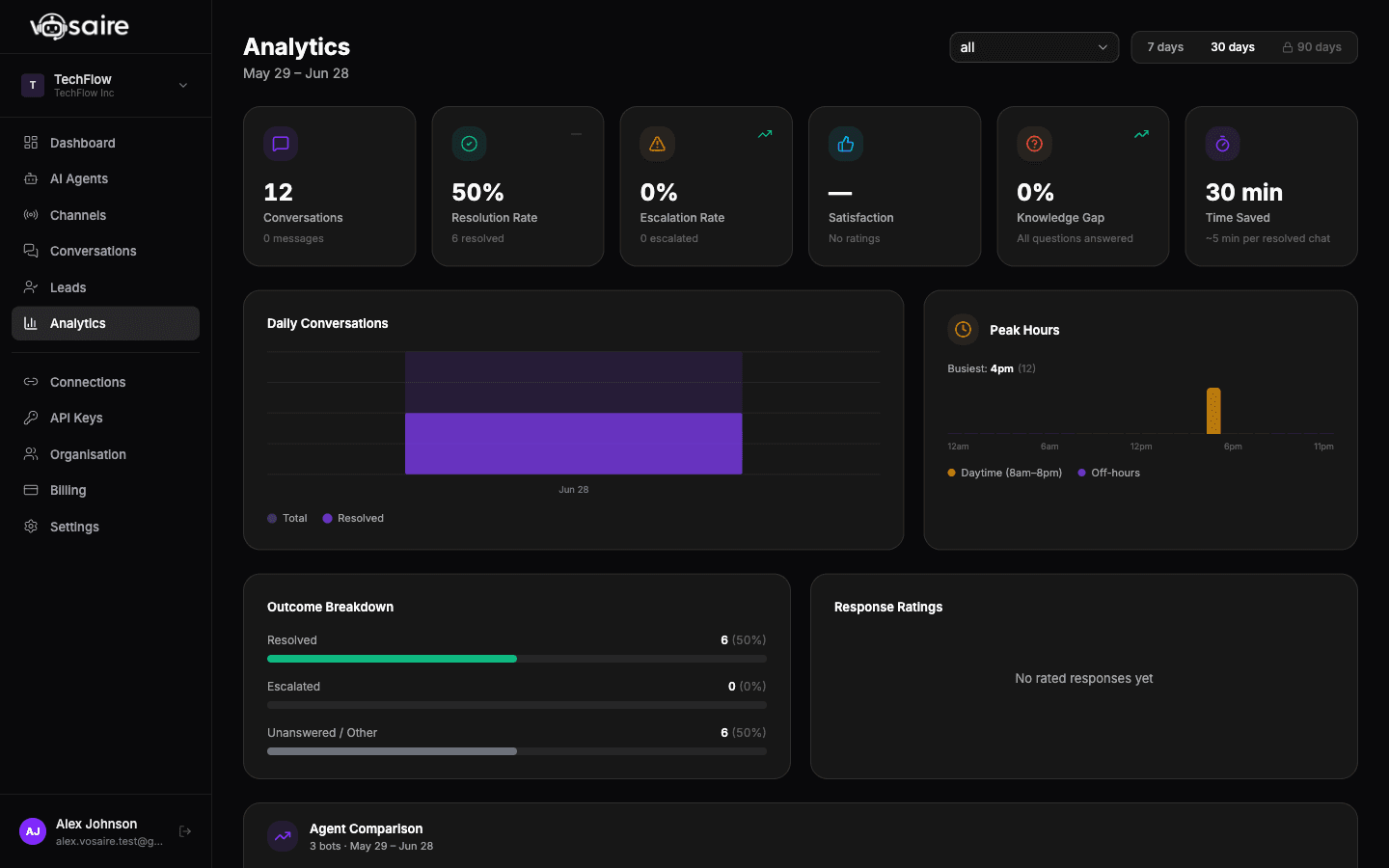
Every conversation is logged. CSAT scores, sentiment, unanswered questions — all in one dashboard. Mark conversations as trained to improve accuracy. Spot knowledge gaps before your customers notice them.
- CSAT trends and per-conversation sentiment scores
- Unanswered questions report — close gaps immediately
- Mark conversations as trained for continuous improvement
- Source performance — which docs drive the best answers
- Connect channels — deploy to Gmail, WhatsApp, Telegram, and helpdesk from the same agent
- Alerts for low-confidence escalations
Everything you can train it on
Vosaire connects to the content you already have. No rebuilding. No reformatting.
Website URLs
Full site crawl or specific pages
PDFs & Docs
Word, Google Docs, Markdown, plain text
Notion
Pages, databases, and workspaces
YouTube
Auto-extracted video transcripts
Help Scout & Freshdesk
Historical ticket conversations
Google Drive
Folders, Docs, Sheets, Slides
More sources added regularly. See all integrations →
Common questions
Everything you need to know before you start.
Ready to set it up?
Most customers are live in under 10 minutes. Free plan available. No credit card required.
Start free — no credit card