
A channel is how customers reach your agent. Once you've trained an agent, you need somewhere for it to actually have conversations — that's what channels are for.
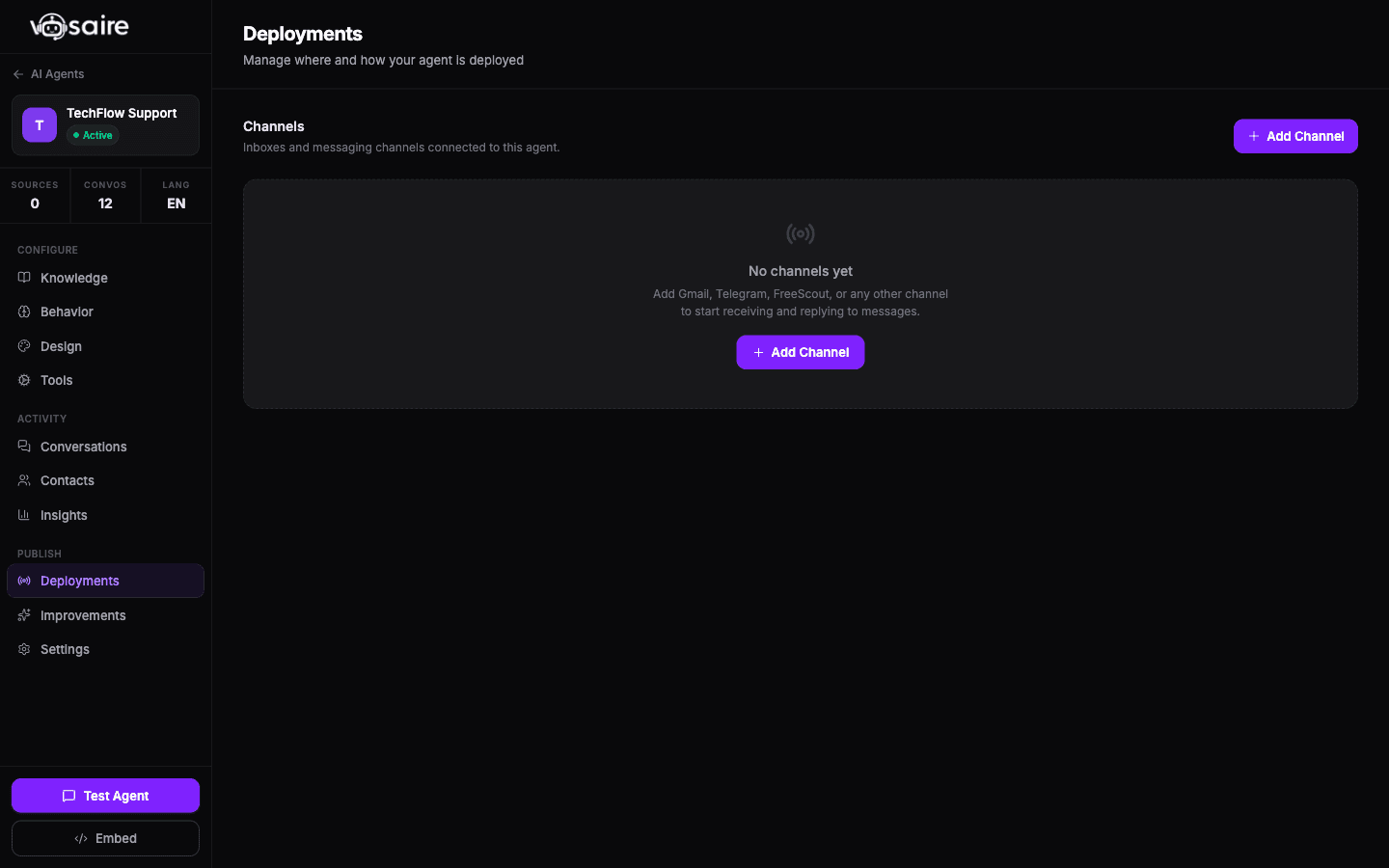
Available channel types
| Channel | What it does |
|---|---|
| Website Widget | Embeds a chat bubble on your website |
| Gmail | Agent reads incoming emails and sends replies |
| Telegram | Agent powers a Telegram bot |
| Agent handles WhatsApp Business messages | |
| API | Query your agent programmatically via REST API |
How to add a channel
Channels are created inside individual agents — not from the top-level Channels page. To add one:
- Go to your agent → Channels tab
- Click Add Channel
- Select the channel type
- Configure the settings for that type
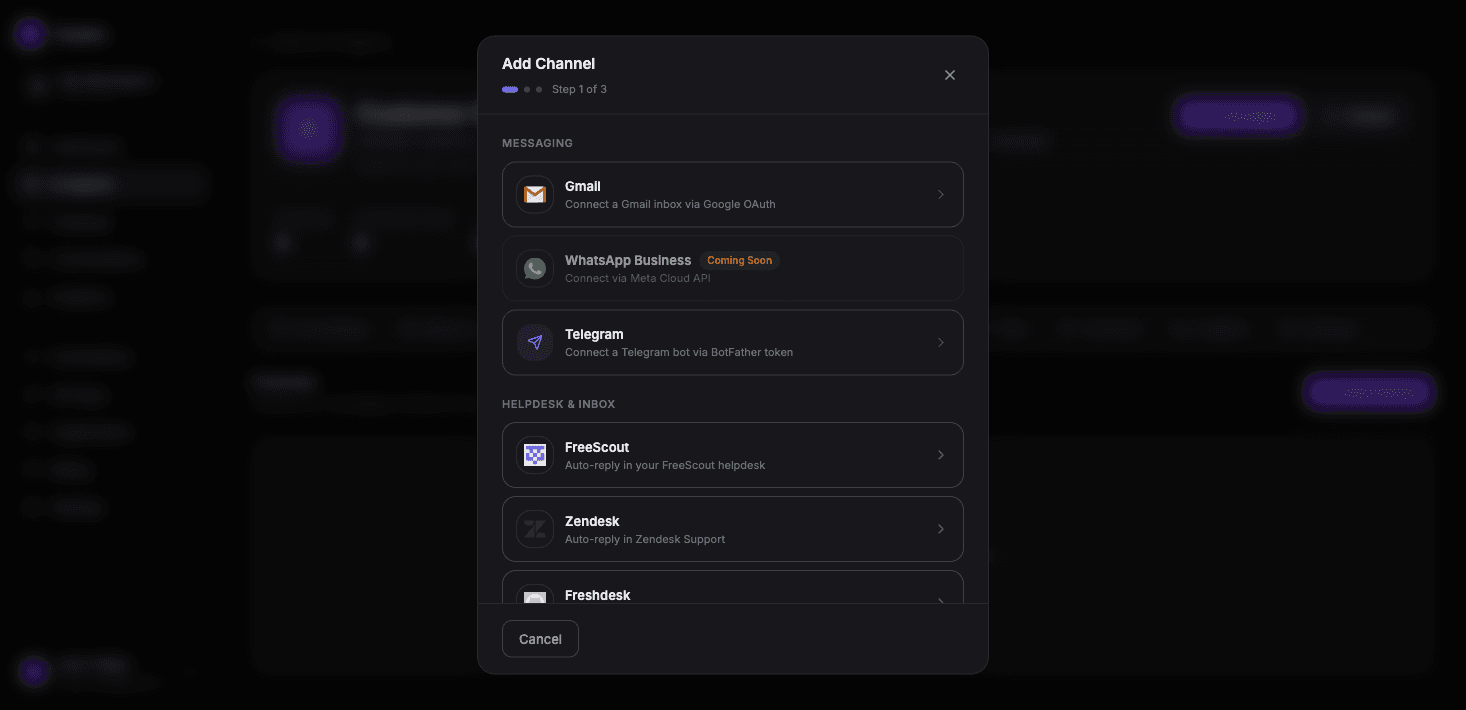
When adding any channel, you'll set:
- Channel name — for your reference in the dashboard
- Default AI Agent — which agent handles conversations on this channel (pre-filled since you're adding from inside an agent)
- Reply mode — Auto-reply (sends immediately) or Draft (holds for human review)
One agent, multiple channels
A single agent can power multiple channels at once. You might have:
- The same agent handling both your website widget and your Gmail inbox
- Or a dedicated agent for each channel if the audience and tone are different
Channels vs. connections
There's a distinction worth understanding:
Connections are the authentication layer — the OAuth tokens that authorize Vosaire to access Gmail, Notion, Google Drive, etc. They live in the Connections page in the sidebar.
Channels are where conversations happen. A Gmail channel uses a connection under the hood, but the channel itself is what routes messages to your agent.
For Gmail, the flow is: create a connection (OAuth with Google) → then create a Gmail channel and point it at that connection.
For Telegram and the website widget, there's no separate connection — everything is configured directly in the channel settings.
The top-level Channels page
The Channels page in the sidebar shows all channels across all your agents in one place. It's useful for a quick overview but you can't create channels from there — you have to go into an individual agent to add new ones.