Channels overview: replying beyond the storefront widget
Go to Apps → Vosaire: AI Chatbot & Sales → Channels & Integrations → Channels (shown as Support Channels on the Dashboard's shortcut card). By default, Vosaire only talks to customers through the storefront chat widget. Connecting a channel lets it reply automatically wherever else your customers actually reach out — a support inbox, Telegram, or WhatsApp.
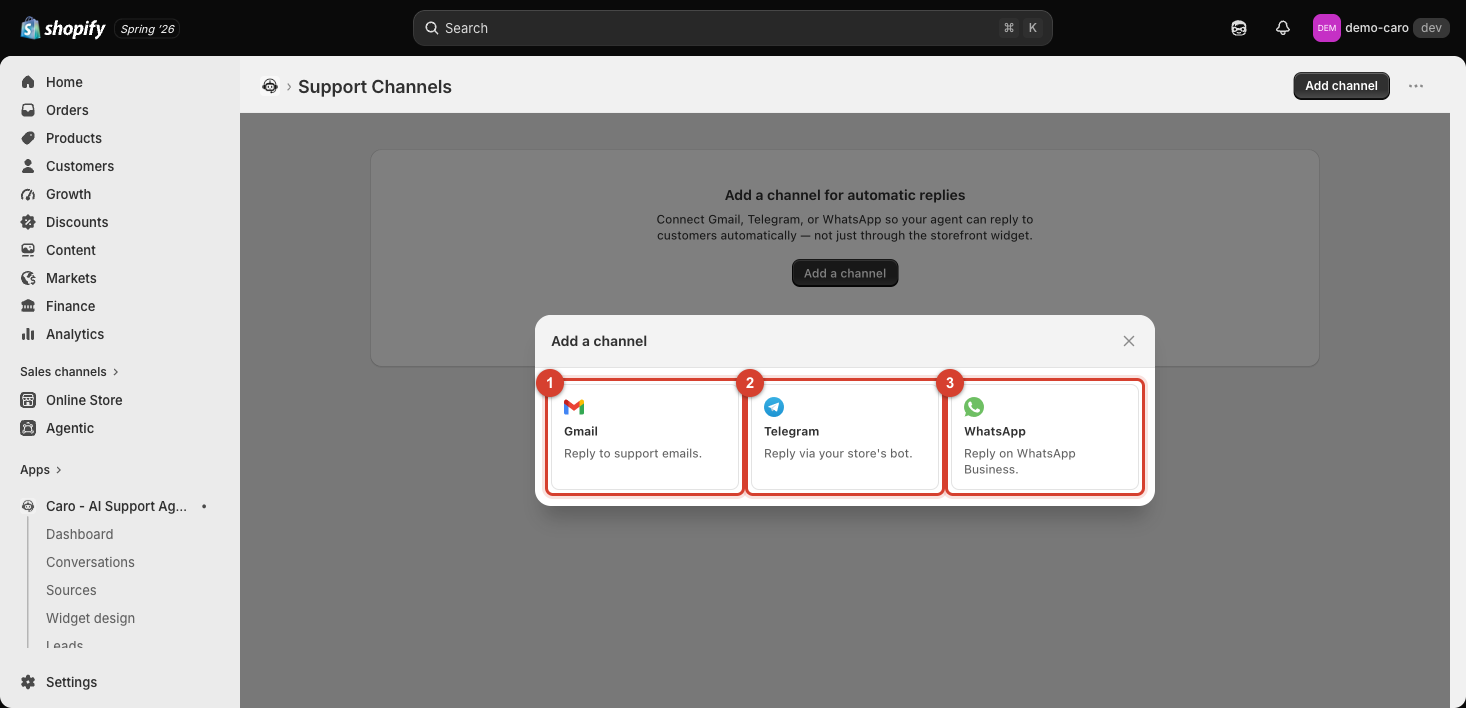
The three channels
| Channel | What it does |
|---|---|
| Gmail | Reply to support emails sent to a connected Gmail inbox |
| Telegram | Reply via your store's own Telegram bot |
| Reply on WhatsApp Business |
Click Add a channel to open this picker, then pick one to start its connection flow. Each has a different setup process — see:
Why this matters
Every channel you connect uses the same agent — the same training data, the same Actions, the same AI Behavior & Settings — so customers get consistent answers no matter where they message you. Conversations from every connected channel show up together in Conversations.