Blog / Guides
October 1, 2026
The Shopify BFCM Customer Support Checklist for 2026
Most BFCM prep focuses on the offer: the discount, the email campaign, the homepage banner. Support usually gets planned last, if at all — and then the questions arrive all at once, at 2am, from customers who just paid and want to know when it ships.
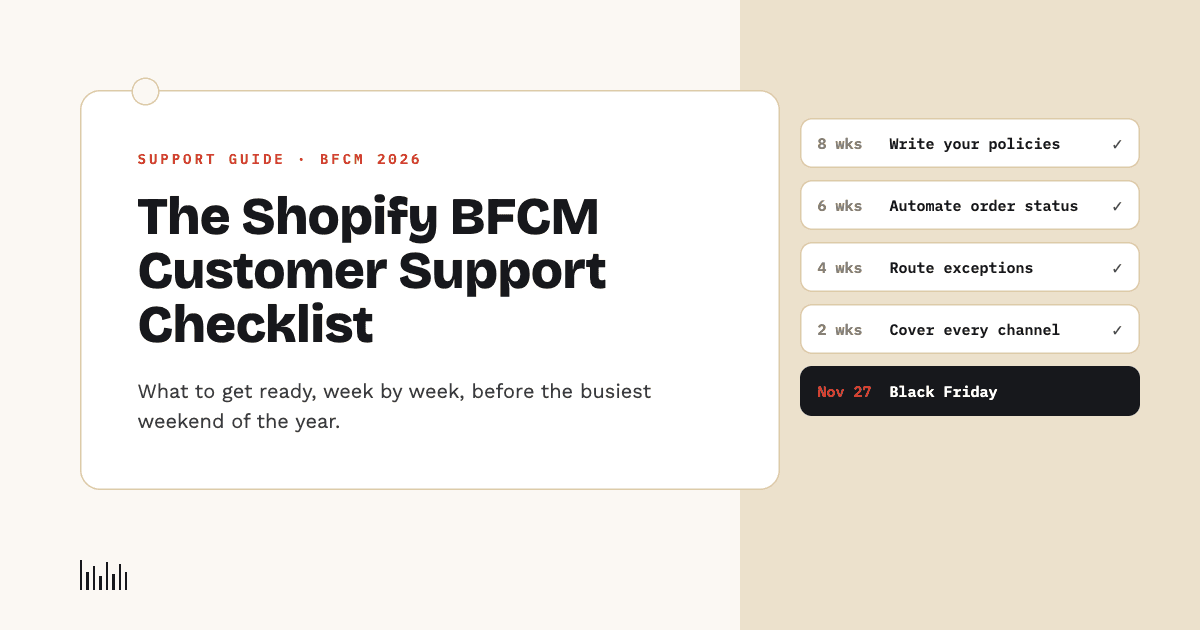
Black Friday 2026 is Friday, November 27, and Cyber Monday is November 30. That's roughly eight weeks away. Here's what's worth getting in place before then, in the order it's worth doing it.
Why support is the part of BFCM that breaks first
The scale of the weekend is the whole problem. Last year's numbers, straight from the source:
- Shopify merchants sold $14.6 billion over BFCM 2025, up 27% year over year (Shopify's own BFCM 2025 announcement).
- 81+ million shoppers bought from Shopify stores that weekend, and sales peaked at $5.1 million per minute at 12:01pm EST on Black Friday.
- 16% of all orders were cross-border — customers in another country, often another time zone and another language.
- Across all US retail, Cyber Monday 2025 hit a record $14.25 billion online in a single day, and 56.4% of holiday-season transactions happened on a phone (Adobe Digital Insights).
Every one of those orders can turn into a question. And the questions don't stop when the sale ends: Shopify's own guide to holiday customer service notes that ecommerce brands see an average 79% spike in support tickets in the first week of December, right after BFCM promotions end (Shopify).
So the real BFCM support window isn't four days. It's closer to three weeks.
What customers actually ask during BFCM
The ticket mix shifts toward questions that are individually simple but arrive in huge volume:
- "Where is my order?" — the single biggest category, and it gets worse when shipping slows under holiday load.
- "Does this discount stack / why isn't my code working?"
- "Can I cancel or change my order?" — often within minutes of buying, before it's fulfilled.
- "Is this in stock in my size?" — on exactly the products that are selling fastest.
- "What's your return policy for gifts?"
- "Will it arrive before Christmas?"
None of these need a senior support lead's judgment. Almost all of them need either a policy answer or a live lookup in Shopify. That's what makes them both the easiest to prepare for and the most expensive to leave unprepared.
8 weeks out: fix your written answers first
Anything an AI agent, a new seasonal hire, or a help-center page says is only as good as what you've written down. Do this first, because everything else depends on it.
- Write your BFCM-specific policies explicitly. Return window for holiday purchases, whether sale items are final sale, gift returns, price adjustments if something drops further.
- Publish real shipping cutoffs. "Order by December 15 for standard US delivery before Christmas" beats "allow extra time during the holidays."
- State your discount rules plainly. Can codes stack? Does the sale apply to already-discounted items? Is there a minimum spend?
- Remove contradictions. An old FAQ page that says 14-day returns and a policy page that says 30 days will produce inconsistent answers from everyone — human or AI.
If you use an AI agent, this is also the moment to retrain it on the updated pages. In Vosaire, you can add your BFCM policies as a custom source or written answer so the agent answers from what you actually decided, not from last year's FAQ.
6 weeks out: automate the high-volume, low-judgment questions
This is where most of the BFCM workload goes, and where automation pays for itself fastest.
- Order status. A customer asking "where's my order?" doesn't want a link to a tracking page — they want the answer. An agent that can look up the real order in Shopify (status, fulfillment, tracking) answers it in seconds, at any hour. Vosaire's order lookup checks the order against the customer's email or recognizes a logged-in customer automatically, and never invents a status it doesn't have.
- Stock and sizing. Live inventory checks stop the "is this in stock?" back-and-forth, and a back-in-stock request captures the customers who'd otherwise leave when a size sells out.
- Policy questions. Shipping cutoffs, returns, payment methods — answered straight from the policies you wrote in week 8.
The test for whether something should be automated is simple: if the right answer is the same for every customer, or comes from a lookup, it shouldn't wait in a queue.
4 weeks out: decide what must reach a human
Automation fails badly when it pretends to handle things it shouldn't. Before BFCM, decide which requests always go to a person:
- Cancellations and order changes — capture them instantly (an order placed at 1am and cancelled at 1:05am needs to be caught before fulfillment), but let your team make the call.
- Refunds, damaged items, and exceptions — these benefit from judgment.
- Anything your written policies don't cover.
The important part is how that handoff works. A customer told "someone will get back to you" with no record behind it is worse off than one who got no answer. Vosaire's cancellation and return intake records the order, the reason, and the customer's contact details, gives them a reference number on the spot, and routes it to your team — it never approves, refunds, or cancels anything on its own. On email, questions the agent can't answer from your store's information are held for you to answer in the same thread, instead of guessed at.
2 weeks out: cover every channel and every time zone
With 16% of orders crossing borders, "we reply during business hours" means a big share of your customers wait overnight.
- List where customers actually contact you. The site chat, your support email, WhatsApp, Instagram DMs. A question that arrives somewhere nobody's watching is a lost sale or a chargeback in waiting.
- Make sure the same answers come out of every channel. One set of written policies, one source of truth.
- Cover the overnight gap. Black Friday sales peaked around midday EST last year, which is evening in Europe and the middle of the night in Asia-Pacific.
- Check mobile. With most holiday purchases on a phone, the chat widget needs to be usable on a small screen, not just on desktop.
Vosaire runs the same agent across the store widget, Gmail, WhatsApp, and Telegram, with the same order lookups and the same policies behind each one.
BFCM week: turn support into sales
Support conversations during BFCM are full of buying intent. A customer asking "does this come in black?" is one step from checkout.
- Let the chat finish the sale. An agent that can add an item to the cart and hand over a working checkout link closes the sale in the same conversation, instead of sending the shopper back to hunt for the product page. (We explained why this matters in what makes a Shopify AI agent different from a chatbot.)
- Recover hesitation, carefully. Abandoned carts and visitors about to leave are worth a nudge, but only with discounts you've actually approved. Vosaire creates real, single-use codes against your own rules — amount, expiry, minimum cart value — rather than inventing promotions.
- Watch the queue in real time. Know which questions keep coming up and fix the underlying page while the sale is still running.
After the weekend: the December wave
Remember the 79% spike in the first week of December. Plan for it:
- Returns and exchanges start arriving as gifts get opened.
- "Has my refund been processed?" follows a week or two later.
- Review what got asked most. Every question your agent couldn't answer during BFCM is a gap in your written policies — fix it now, and next year's prep starts already done.
Hire for the peak, or automate it?
The traditional answer to BFCM volume is seasonal staff. That still works, but it has real costs: recruiting and training someone for a few weeks of work, and the fact that a new hire answers order-status questions no faster than the policy pages and order data they're given.
The sensible split is to automate the repetitive, lookup-based questions and keep your people for the conversations that need them. If you're weighing that decision, we compared the cost and coverage of hiring a support person versus an AI agent side by side.
Get ready before the tickets arrive
Eight weeks is enough time to do this properly: write the policies, automate order status, decide what goes to a human, and cover every channel your customers use. The stores that struggle on BFCM are rarely the ones with too few staff — they're the ones whose answers were never written down.
Vosaire is built for exactly this kind of weekend: a Shopify AI agent that looks up real orders, checks live stock, captures cancellations properly, and closes sales in the chat, across your site, email, and messaging apps. See everything it can do, or check the plans — there's a Free plan to start with, so you can set it up and test it well before November 27.