
AI chatbot for WordPress that knows your site inside out
Vosaire crawls your WordPress site, indexes every page and post, and answers visitor questions in real time. Install the plugin in one click — no coding, no configuration, no developer needed.
WordPress visitors ask questions your content already answers — but there's no one there to reply
Your WordPress site has the answers. Your blog, docs, product pages, or help articles cover what visitors need to know. But without a chatbot, that content sits invisible while visitors leave frustrated.
Visitors leave when they can't find answers
Most visitors search once, can't find what they need, and leave. A chat widget that understands your site turns those exits into engaged conversations.
Contact forms become a support queue
Without self-service support, visitors email you. Most of those emails ask questions your existing pages already answer. Vosaire deflects them before they're sent.
Documentation sites are hard to navigate
Plugin developers, course creators, and agencies build extensive WordPress documentation — but users still can't find the right article. Vosaire makes all of it instantly searchable via chat.
Existing chatbot plugins are either basic or expensive
Free WordPress chatbot plugins are rule-based and outdated. Enterprise options cost hundreds per month. Vosaire gives you full AI capability at a flat, predictable price.
A real AI chatbot — with a one-click WordPress plugin
No developer. No shortcodes. Just install and go.
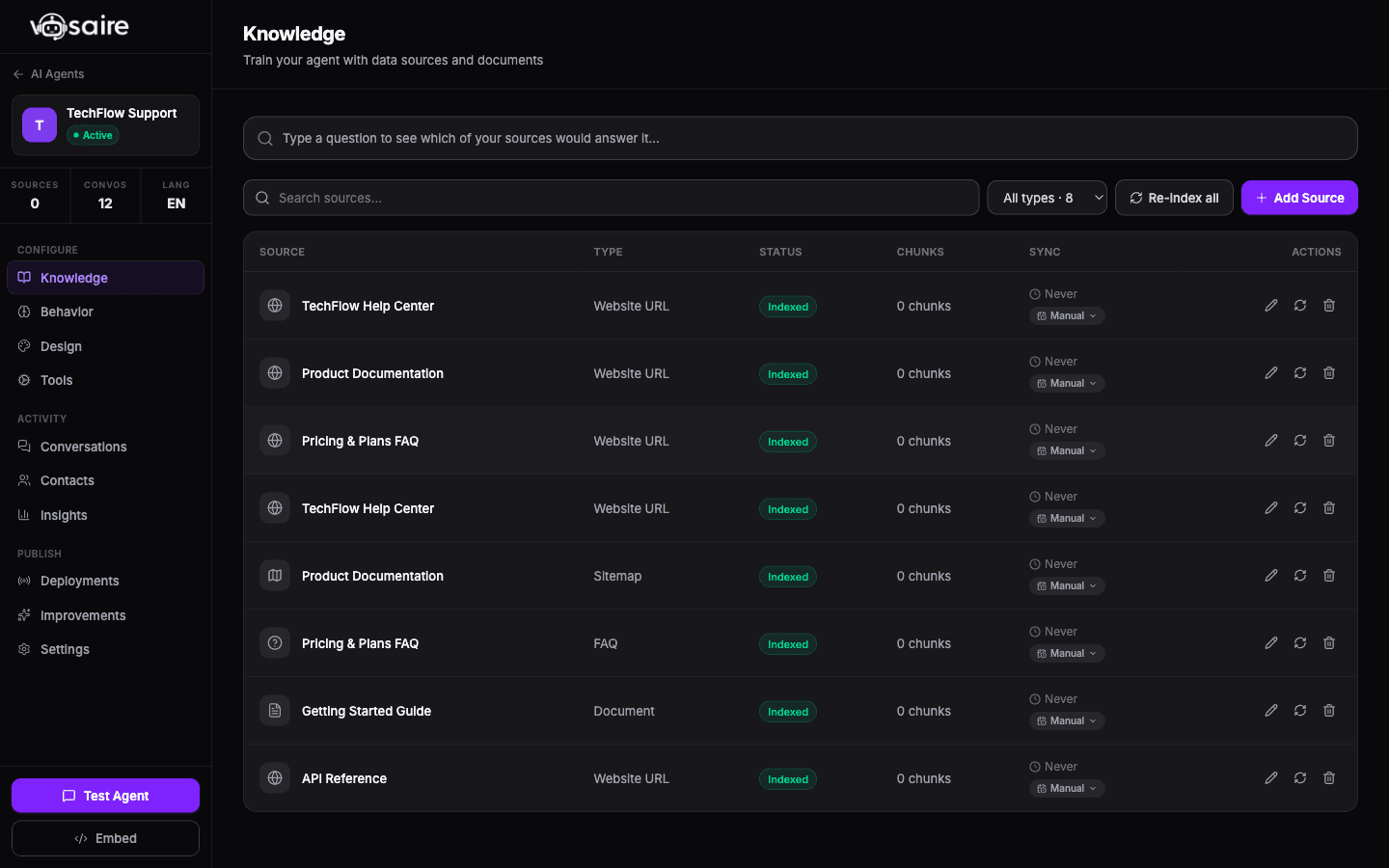
Indexes your entire WordPress site automatically
Vosaire crawls every page, post, product, and custom post type on your WordPress site. It understands your content structure and keeps itself current with automatic re-crawls whenever you publish.
- Crawls pages, posts, products, docs, and custom post types
- Indexes WooCommerce product content natively
- Auto re-crawl when you publish or update content
- Respects noindex tags — never surfaces private content
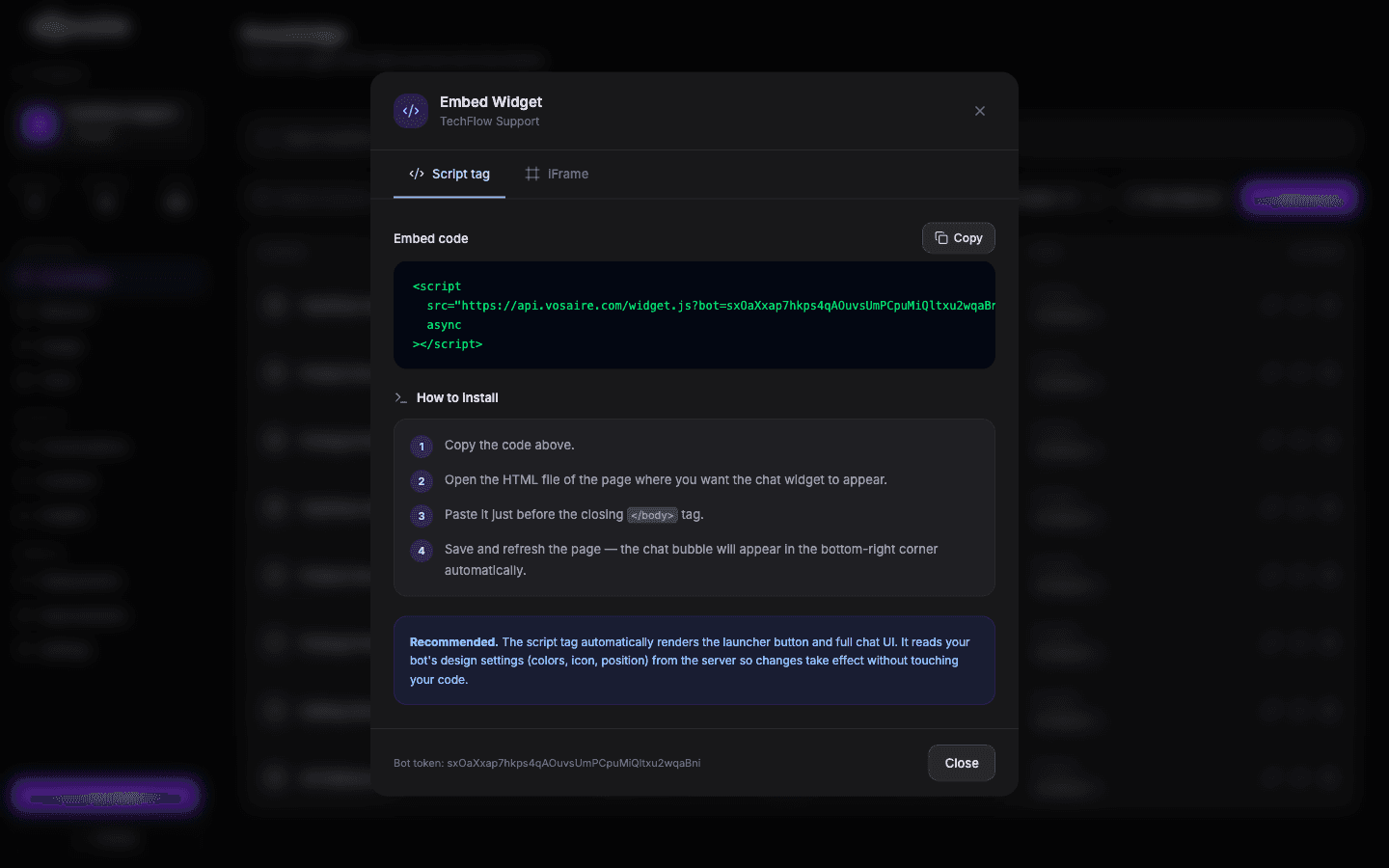
One-click install — widget appears immediately
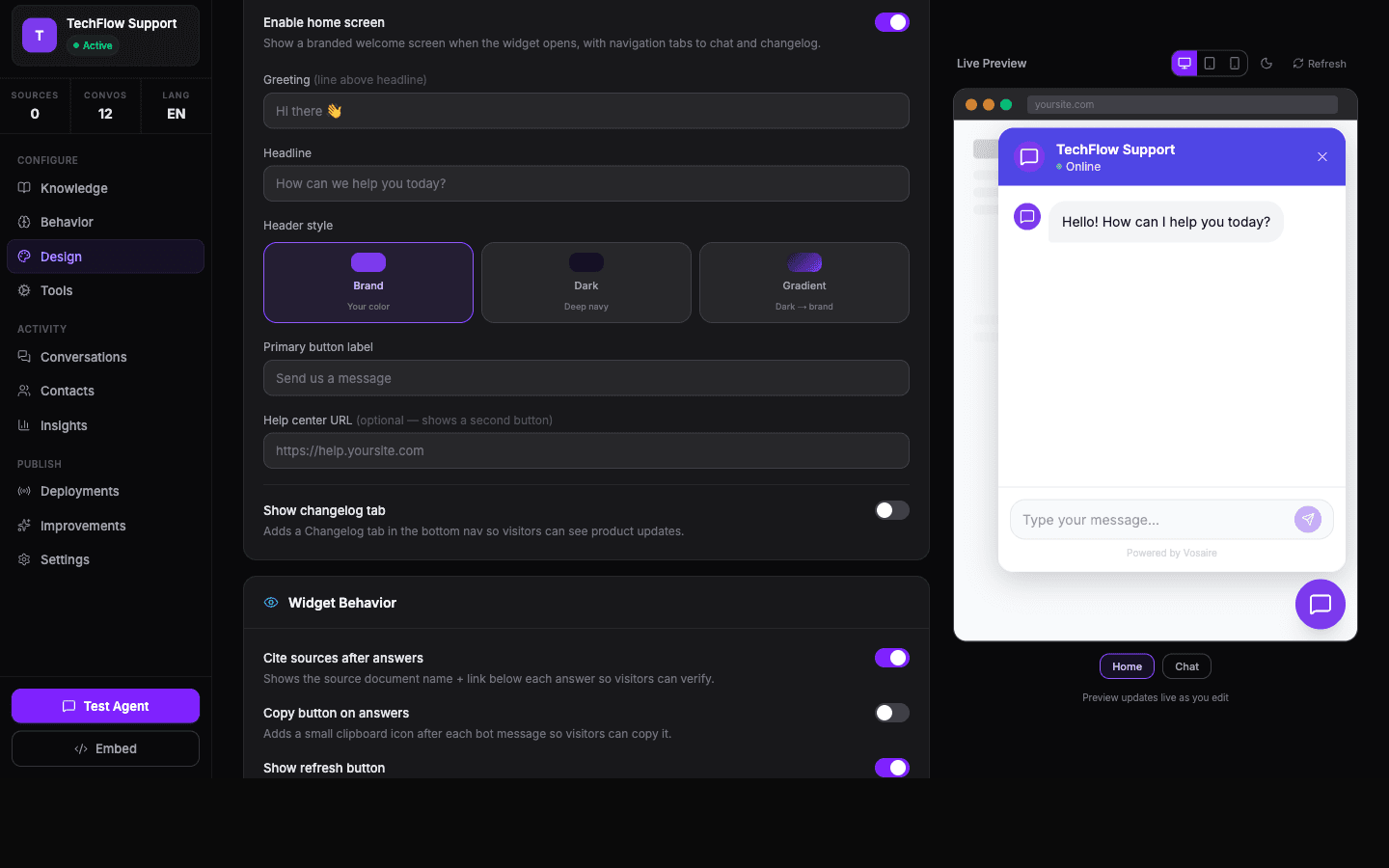
Install the Vosaire WordPress plugin from the admin dashboard. The chat widget appears on your site instantly — no theme editing, no shortcodes, no PHP knowledge required. Customize colors and position from the plugin settings.
- Install from WordPress plugin directory
- Widget appears automatically on all pages
- Customize colors, position, and launcher icon in settings
- Works with any theme — Kadence, GeneratePress, Divi, Elementor
Handles WooCommerce product and order questions
For WooCommerce stores, Vosaire indexes product descriptions, pricing, and attributes. Connect your orders API to enable live order lookup. Answers product and order questions without leaving the shopping experience.
- Indexes WooCommerce product catalog automatically
- Connect WooCommerce orders REST API for live order lookups
- Answers product, pricing, and stock availability questions
- Handles return and refund policy queries from store content
Live on your WordPress site in under 5 minutes
No developer. No FTP. No shortcodes.
Install the plugin
Search for "Vosaire" in WordPress > Plugins > Add New. Install and activate in one click.
Connect your site
Paste your site URL in the Vosaire dashboard. The crawler indexes your WordPress content in minutes.
Customise the widget
Set your brand color, AI agent name, and welcome message. The widget preview updates live.
You're live
The chat widget is active on your site. Visitors can ask any question — Vosaire answers from your content.
Works with your existing tools
Native integrations for core tools — plus Zapier, n8n, and a public API for custom workflows.

WordPress
One-click plugin, auto site crawl, widget embed
WooCommerce
Product and order support for WooCommerce stores

FreeScout
Route escalations to your FreeScout helpdesk

Google Drive
Add Google Docs and PDFs as extra knowledge sources
Need a different integration? See all integrations →
Vosaire for WordPress — FAQs
Other use cases
How does Vosaire compare?
Start automating WordPress support today
Install on your WordPress site — free plan, one-click setup, no coding.
Start free — no credit card