AI support chatbot for SaaS that reads your docs and answers everything
Vosaire trains on your documentation, help center, and Notion workspace — and responds instantly — on your website, via Gmail, on WhatsApp, or in Telegram — automatically. Your CS team focuses on retention, not repetition.
Your CS team answers the same onboarding questions. Every. Single. Day.
SaaS companies spend 60–70% of support time on L1 tickets — questions your docs already answer. That's engineering talent wasted on "how do I reset my password?" instead of reducing churn.
Docs exist — but customers don't find them
You wrote the documentation. Customers still ask the same questions because they don't read docs before opening a ticket. Vosaire bridges the gap — it surfaces your docs as answers.
Onboarding queries slow down activation
New users have questions in their first hour. If support isn't instant, they churn before they activate. A 24/7 AI agent answers immediately — at any time zone.
Billing and account questions clog your queue
"Can I upgrade my plan?", "How do I cancel?", "What's included in Pro?" — repetitive, answerable, and time-consuming. Vosaire handles all of them from your pricing page and help center.
You can't measure satisfaction without CSAT
Most SaaS teams have no idea which support interactions drove churn. Vosaire tracks CSAT and sentiment on every conversation — giving you data to act on.
Vosaire turns your docs into a 24/7 support agent
Built for SaaS teams that move fast and can't hire a support army.
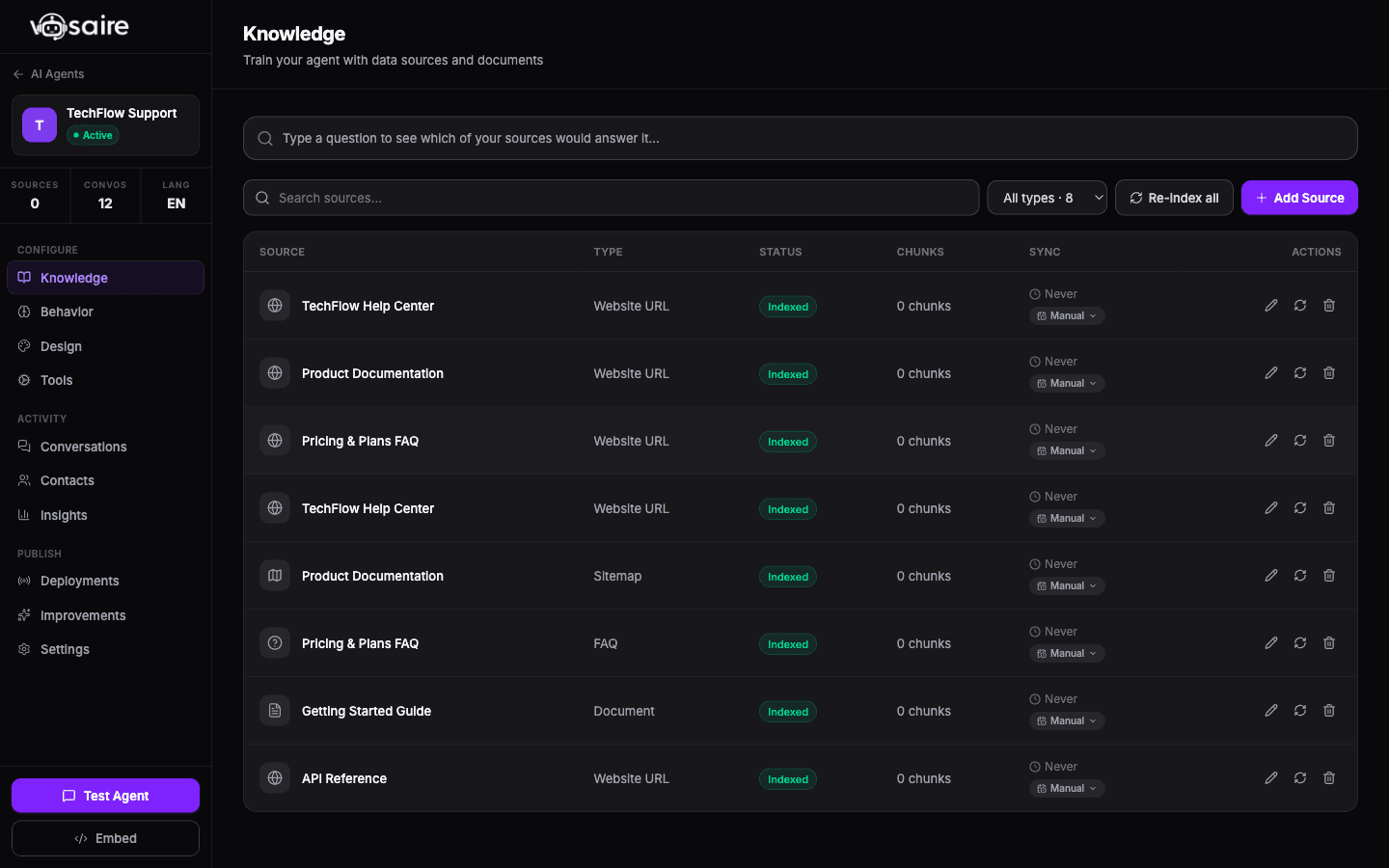
Trained on your docs, help center, and Notion — in minutes
Connect your documentation URL, Notion workspace, or Google Drive. Vosaire indexes everything and keeps it current. Your users get instant, accurate answers — drawn directly from content you already wrote.
- Crawls any documentation URL (GitBook, Notion, custom docs)
- Syncs Notion workspaces and Google Drive folders
- Auto re-syncs on schedule — answers stay current with product changes
- Unanswered questions report shows what your docs are missing
Same AI agent — website, Gmail, WhatsApp, and Telegram
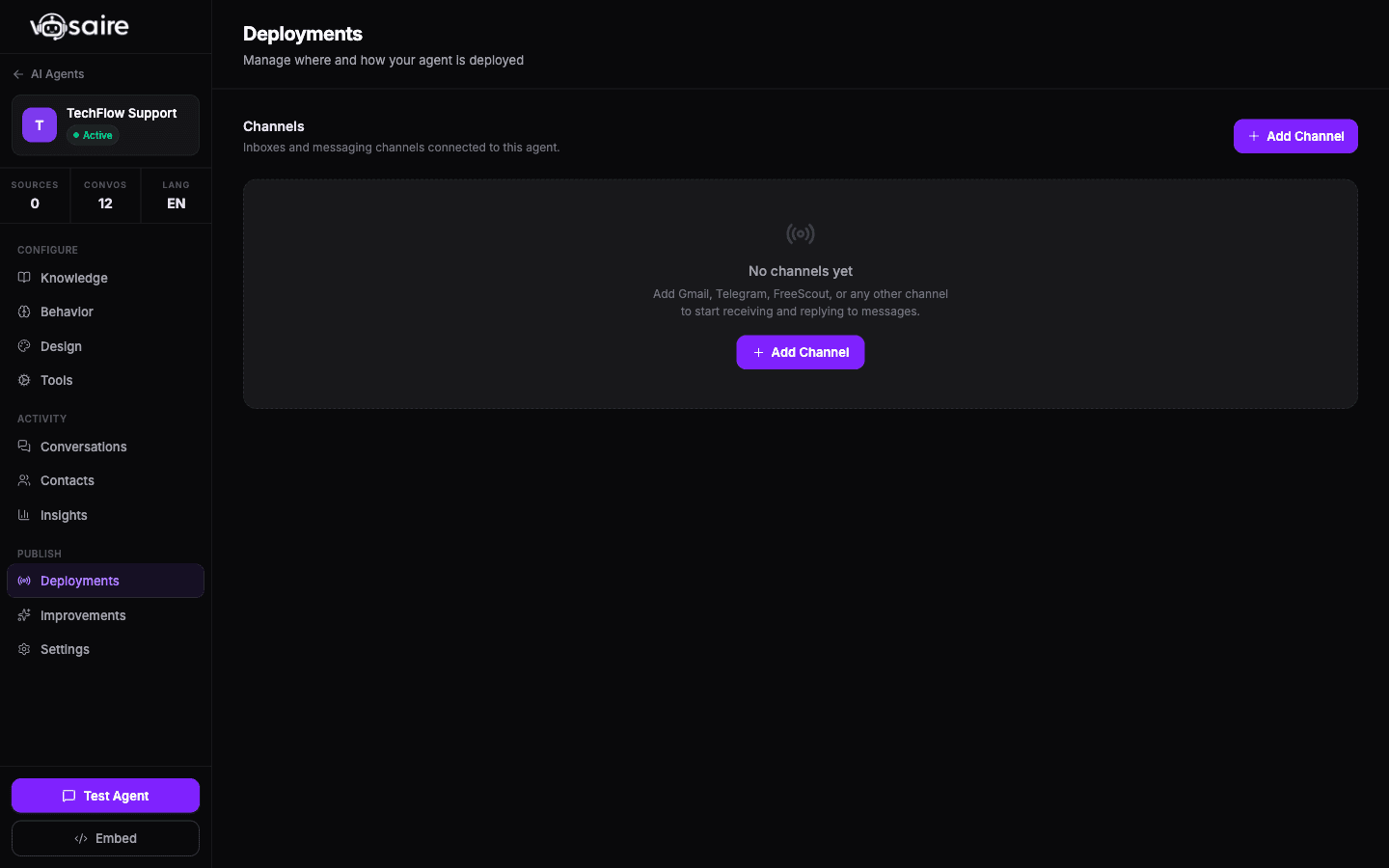
SaaS users ask questions everywhere. Some use your in-app widget. Others email support. Some message on WhatsApp or Telegram. Train your AI agent once on your docs, then connect every channel. The same knowledge base answers every question — wherever your users are.
- Website widget, Gmail inbox, WhatsApp Business, Telegram — one agent, all channels
- Routing rules send VIP customers or specific topics to a different agent
- Draft mode for Gmail replies — team reviews before sending, always
- Auto-send on chat and WhatsApp for high-confidence FAQ answers
CSAT, sentiment, and churn signals on every conversation
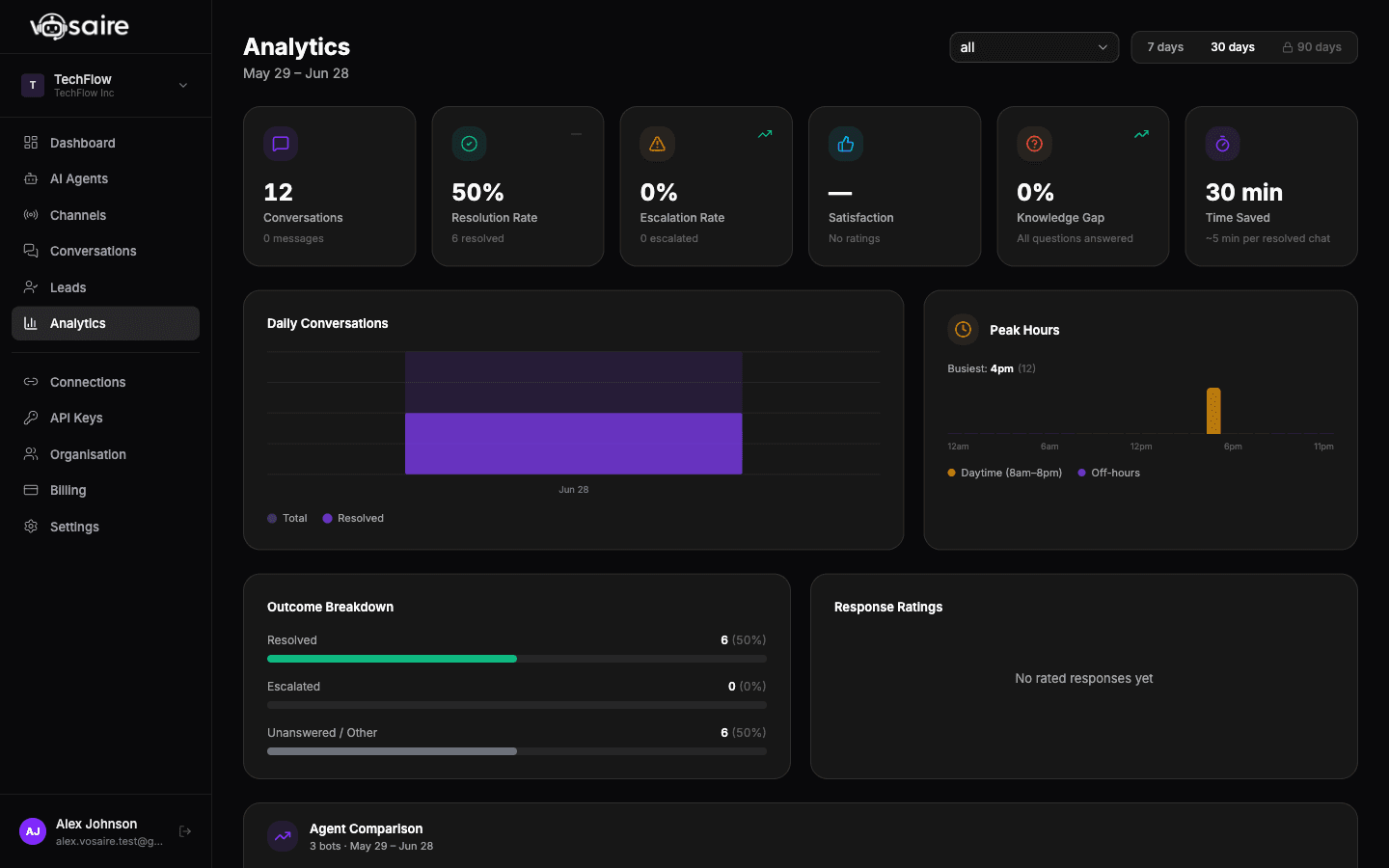
Vosaire tracks satisfaction scores and sentiment automatically. See which features generate the most frustrated tickets, identify at-risk accounts before they churn, and measure CS quality over time.
- CSAT score per conversation and trend over time
- Sentiment analysis — frustrated, neutral, satisfied
- Unanswered questions report — what your docs are missing
- Source performance — which docs produce the best answers
Integrated with your SaaS docs in under 10 minutes
No developer needed. Works with GitBook, Notion, Intercom, and any helpdesk.
Connect your documentation
Paste your docs URL, connect your Notion workspace, or link your Google Drive. Vosaire indexes everything in minutes.
Configure the AI agent persona
Set your AI agent's name, personality, and escalation rules. Define which LLM to use — Claude Sonnet for nuanced support, GPT-4o for speed.
Connect your helpdesk
Link Vosaire to your existing helpdesk. It will start auto-drafting ticket responses immediately.
Embed in your app or help center
Drop one script tag into your app or docs site. Your users get instant AI support from inside your product.
Works with your existing tools
Native integrations for core tools — plus Zapier, n8n, and a public API for custom workflows.

Notion
Sync your Notion workspace as a knowledge source

Google Drive
Index Google Docs, help articles, and release notes

FreeScout
Helpdesk auto-drafting inside FreeScout

Zendesk
AI-drafted responses inside your Zendesk workflow

Freshdesk
Draft and send from Freshdesk automatically
Need a different integration? See all integrations →
Vosaire for SaaS — FAQs
How does Vosaire compare?
Start automating SaaS support today
Start free — your AI agent goes live on website, Gmail, and WhatsApp in under 10 minutes.
Start free — no credit card