Vosaire + Zendesk
AI-drafted ticket responses inside your Zendesk workflow
Vosaire connects to Zendesk via the API to draft replies for incoming tickets.
After connecting your Zendesk subdomain and API credentials, Vosaire monitors incoming tickets and generates draft replies using your knowledge base. Drafts appear as internal notes so agents can review before sending.
- Draft replies generated for every new Zendesk ticket
- Appears as internal note — one click to send
- Trained on your Zendesk macros and help center articles
- Works across all ticket forms and channels
- Escalation tagging for low-confidence replies
- Full conversation history used for context-aware drafts
Live in under 10 minutes
No developer needed. No annual contract.
Create a Zendesk API token
In Zendesk Admin → Apps & Integrations → Zendesk API, enable token access and generate a token.
Connect in Vosaire
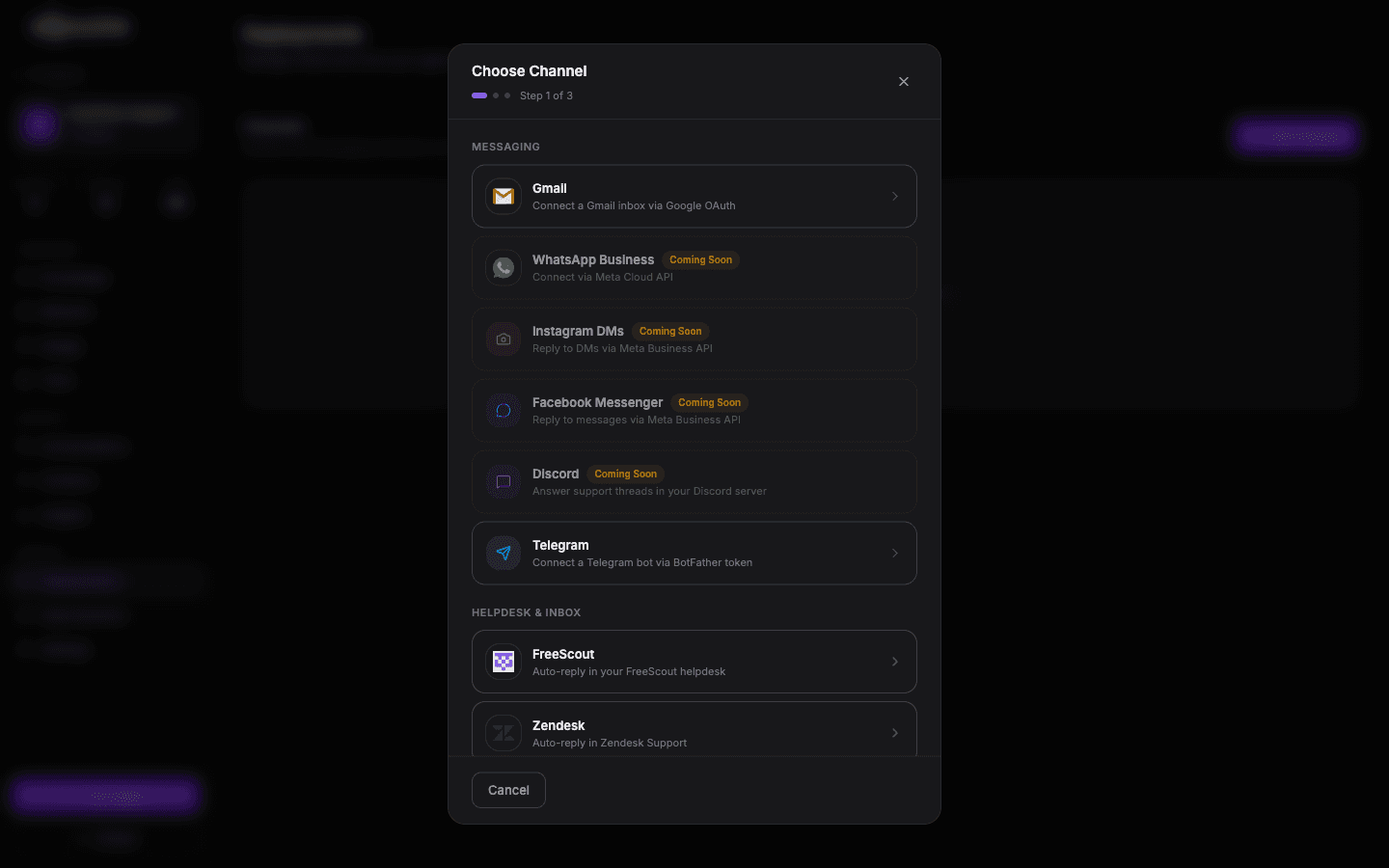
Open Integrations → Helpdesk → Zendesk in your Vosaire dashboard. Enter your subdomain, email, and API token.
Import your help center
Optionally sync your Zendesk Guide articles as a knowledge source so Vosaire drafts from your existing documentation.
Enable and go live
Toggle on AI drafting for your chosen ticket forms. Vosaire starts drafting immediately for new tickets.
Add Zendesk to your Vosaire workspace
Set up in under 10 minutes. Free plan available — no credit card required.
Start free — no credit card