
Vosaire + Freshdesk
Draft and send replies from Freshdesk automatically
Vosaire integrates with Freshdesk to generate AI-powered draft replies the moment a ticket is created.
Connect your Freshdesk API key and Vosaire begins monitoring your ticket queue. For each new ticket, a draft reply is saved as a private note. Agents open the ticket, review the draft, and send it — or edit and send. Either way, response time drops dramatically.
- Draft replies generated on ticket creation
- Saved as private notes — agents review before sending
- Trained on your Freshdesk solution articles
- Multi-language support — drafts in the customer's language
- Sentiment scoring for every conversation
- Works with all Freshdesk ticket sources (email, chat, portal)
Live in under 10 minutes
No developer needed. No annual contract.
Get your Freshdesk API key
In Freshdesk, go to Profile Settings → Your API Key and copy it.
Connect in Vosaire
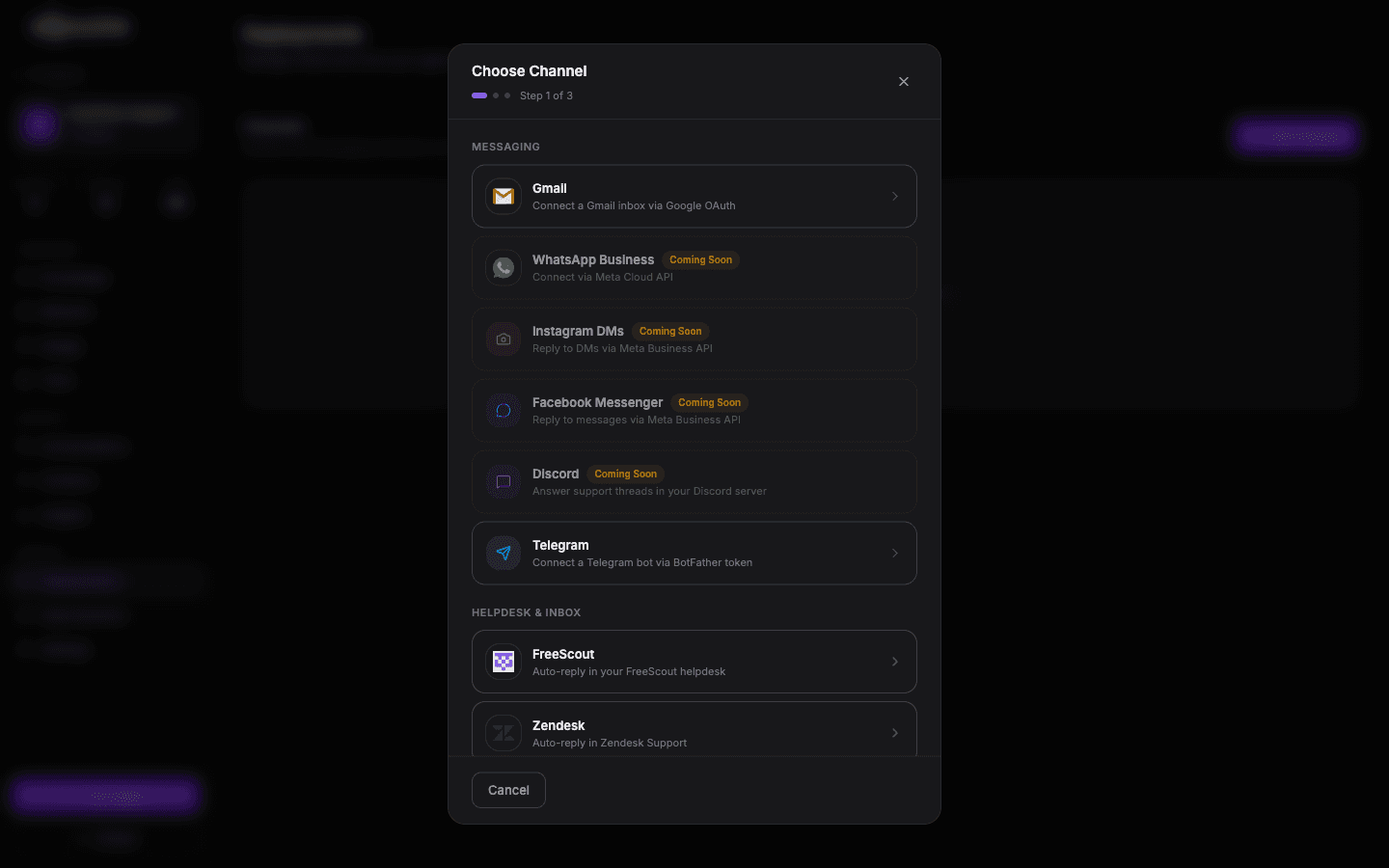
Open Integrations → Helpdesk → Freshdesk. Enter your Freshdesk domain and API key.
Sync your solution articles
Optionally import your Freshdesk solution articles as a Vosaire knowledge source for higher-quality drafts.
Enable AI drafting
Toggle on AI drafting. Vosaire starts producing drafts for all new tickets immediately.
Add Freshdesk to your Vosaire workspace
Set up in under 10 minutes. Free plan available — no credit card required.
Start free — no credit card