Vosaire + FreeScout
AI-drafted replies directly inside your FreeScout mailbox
Vosaire connects to FreeScout via the API.
Connect your FreeScout API token in the Vosaire integrations panel. Vosaire polls for new conversations, generates a draft reply using your connected knowledge base, and saves it as a draft or internal note. Your agent reviews and sends with one click.
- Auto-draft replies for every new FreeScout conversation
- Drafts stored as internal notes — agent reviews before sending
- Uses your full knowledge base for accurate, on-brand answers
- Confidence scoring — low-confidence tickets flagged for human review
- Works across all FreeScout mailboxes
- Sentiment tagging added to each conversation automatically
Live in under 10 minutes
No developer needed. No annual contract.
Generate a FreeScout API token
In FreeScout, go to Manage → API Keys and generate a new token with full access.
Connect in Vosaire
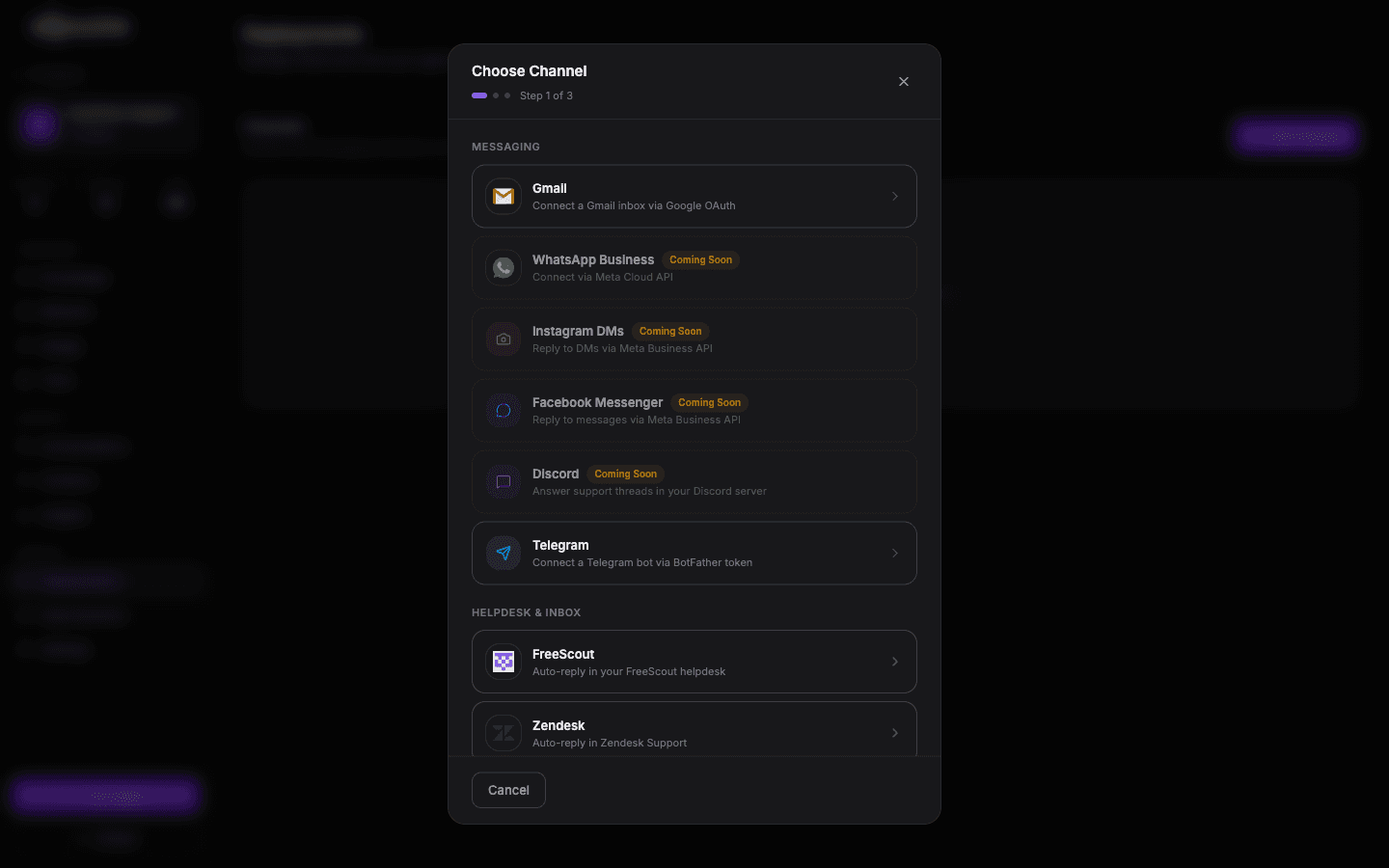
In your Vosaire dashboard, open Integrations → Helpdesk → FreeScout. Paste your API token and your FreeScout URL.
Select mailboxes
Choose which FreeScout mailboxes Vosaire should monitor. You can enable AI drafting per mailbox.
Go live
New tickets will have a Vosaire draft waiting before your agent opens them. Review, edit if needed, and send.
Add FreeScout to your Vosaire workspace
Set up in under 10 minutes. Free plan available — no credit card required.
Start free — no credit card